
- 2026.10.14 XLOOKUP vs VLOOKUP in Google Sheets: the 2-minute version
- 2026.10.14 Tap Ledger: log a coffee in two taps, total it in Sheets
- 2026.10.14 A habit tracker that can leave the app: check-ins to CSV You are here
- 2026.10.13 Your Dashboard Refreshed. Did Its Source Data?
- 2026.07.28 The Awkward Problems in Calendar-Based Attendance Tracking
- 2026.07.26 How One Shared Sheet Link Leaks Company Data
- 2026.07.23 Bad Form Auto-Replies Damage Customer Trust
- 2026.07.13 ChatGPT API Costs Quietly Leak Money If You Do Not Count Them
- 2026.06.20 Cut Your Monthly SaaS Bill: Rent vs Own Your Automation
- 2026.06.19 How Much Does Adding AI Cost? The One Exception to Zero-Cost Automation
- 2026.06.19 Automating Your Work with Google Apps Script — The Complete Guide
- 2026.06.16 How a Multi-User Inspection App Is Different
- 2026.06.10 Inventory in Google Sheets: How Far Automation Goes
- 2026.06.08 The Truth About Zero Upkeep: Why It's Free, and the Exceptions
- 2026.06.06 Outsource vs Build vs SaaS: Compared by Cost
A habit tracker that can leave the app: check-ins to CSV
Try Habit Streak, export a dated CSV, and count check-ins in Google Sheets. Fictional friends, local storage, and a clear boundary between export and sync.
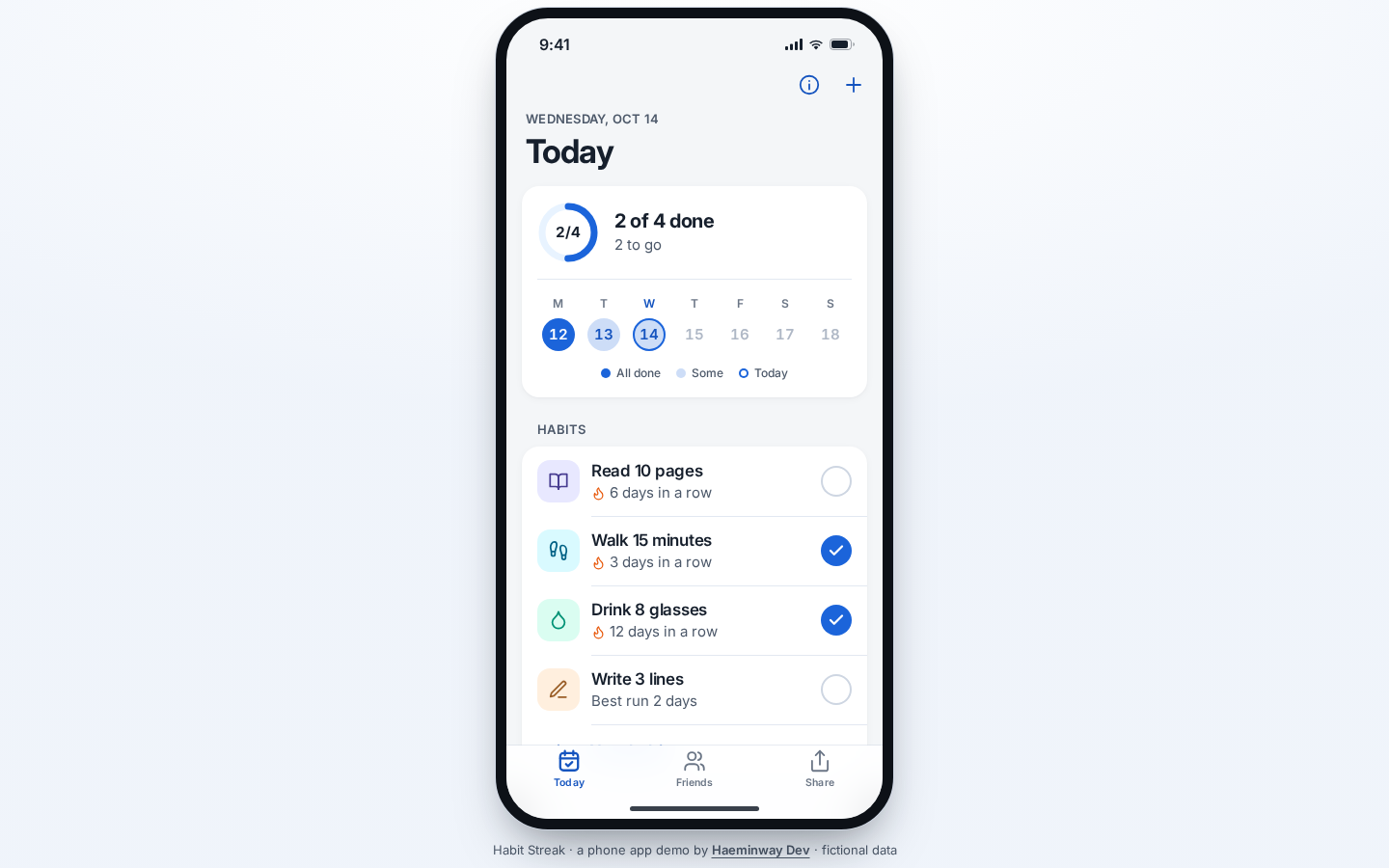
Habit Streak keeps check-ins in your browser and exports dated rows to CSV. You can inspect them in Google Sheets; exporting does not connect the app to a shared Sheet.
A streak is fun. Being able to get your records out is useful. My Habit Streak demo does both, without asking you to create an account.
The starting history and friends are fictional. Check in for today, download the records, and check what the numbers mean before putting your own workflow into a similar app.
Tap today, then undo it
Today starts with four habits: Read 10 pages, Walk 15 minutes, Drink 8 glasses, and Write 3 lines. The ring shows how many are checked for today.
Tap the circle beside Read 10 pages. The habit becomes checked and the daily total changes; tap again to undo the check-in.
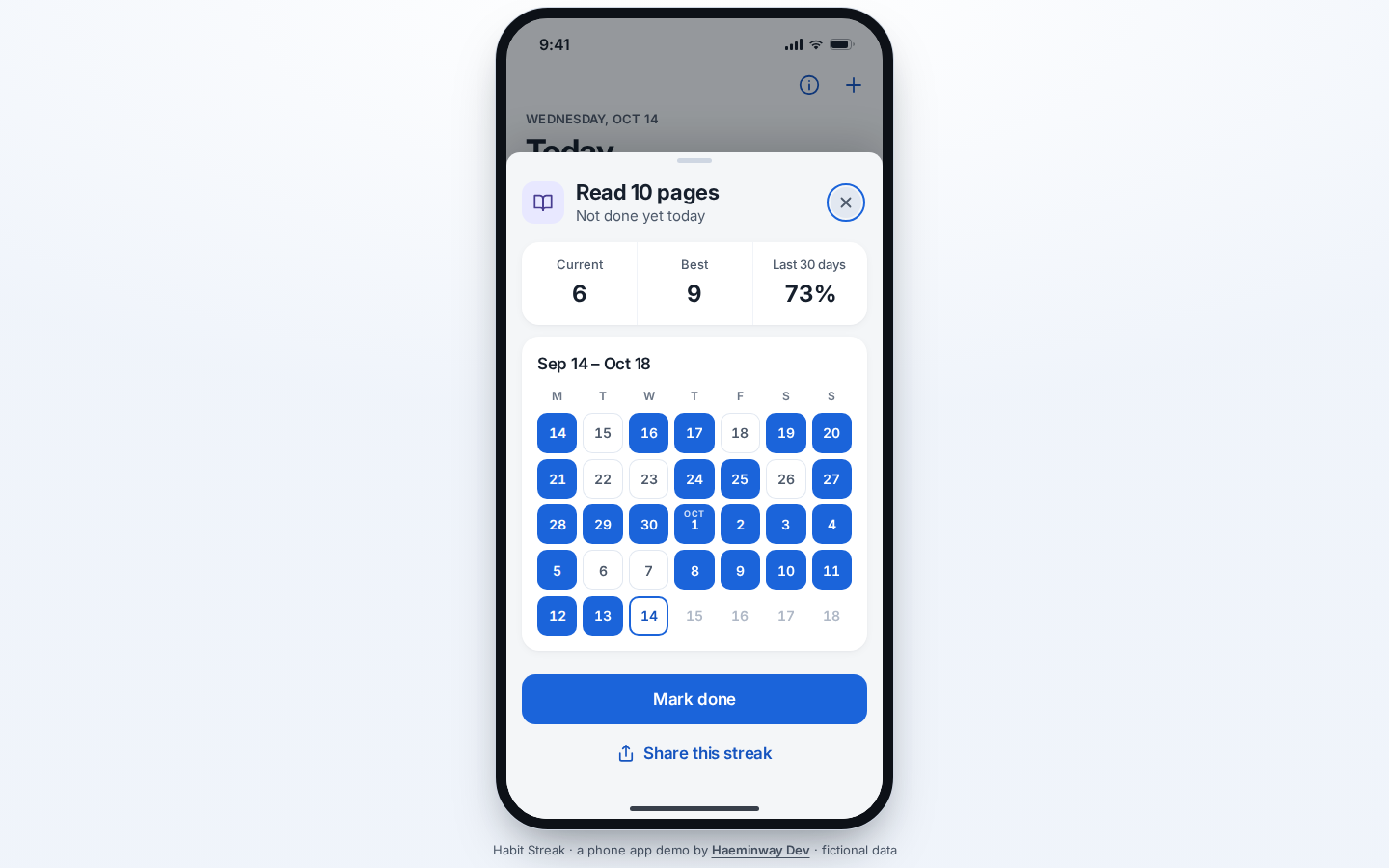
Tap the habit name to open its calendar and streak details. These are two separate actions: opening the history does not check off the habit.
The date comes from your browser’s local calendar. A late Tuesday check-in belongs to Tuesday on that device, rather than the date in a UTC timestamp.
A current streak can end yesterday while today’s check-in is still available. The seeded reading streak shows six days before you check in, then seven afterward.
That number is history, not a prediction. No app can read ten pages on your behalf, unfortunately.
Friends are sample rows
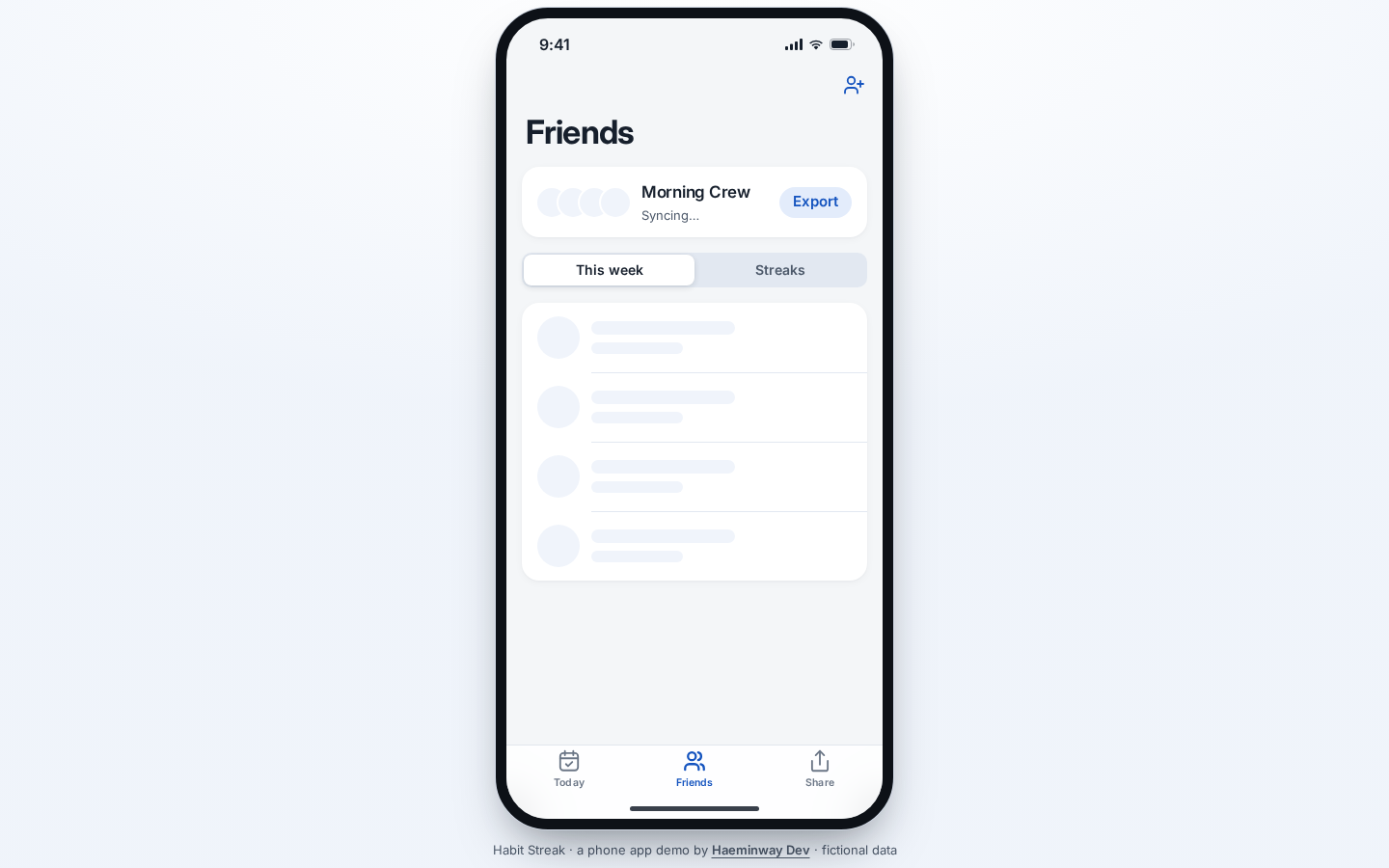
Friends has a Morning Crew board with This week and Streak views. Mira Chen, Theo Park, and Sam Rivera are fictional people in this demo.
Sending a cheer changes the local demo state. It does not message anyone, and the board does not synchronize between browsers.
Use Export to download morning-crew-YYYY-MM-DD.csv. It includes your habits and the fictional crew, so filter by member before treating a total as yours.
Read the rows before counting them
The export has five columns: member, habit, date, checked, and streak. It includes unchecked days too, covering at least 14 calendar days and extending back when older records exist.
Here is a shortened fictional example. The real export quotes every field; the dates below illustrate a broken run rather than reproducing the screenshot’s history.
"member","habit","date","checked","streak"
"You","Read 10 pages","2026-10-01","TRUE","1"
"You","Read 10 pages","2026-10-02","TRUE","2"
"You","Read 10 pages","2026-10-03","FALSE","0"
"You","Read 10 pages","2026-10-04","TRUE","1"
On a checked row, streak is the consecutive run ending on that row’s date. An unchecked row has zero, even though the app may still show yesterday’s run as your current streak.
Import the download into a separate tab in Google Sheets. Keep the original CSV while checking that the dates, text, and checkmarks came across as expected.
For the four sample rows above, this formula counts three checked days for your reading habit:
=COUNTIFS(A2:A5,"You",B2:B5,"Read 10 pages",D2:D5,"TRUE")Divide that count by four for a 75% completion rate over this example’s four days.
For the actual export, choose your date window first and add date criteria to the formula; otherwise, it counts matching check-ins across the entire exported history.
The exporter quotes fields and prefixes formula-like text with an apostrophe. Check your spreadsheet’s import result before trusting unfamiliar text as harmless data.
A card is a download, too
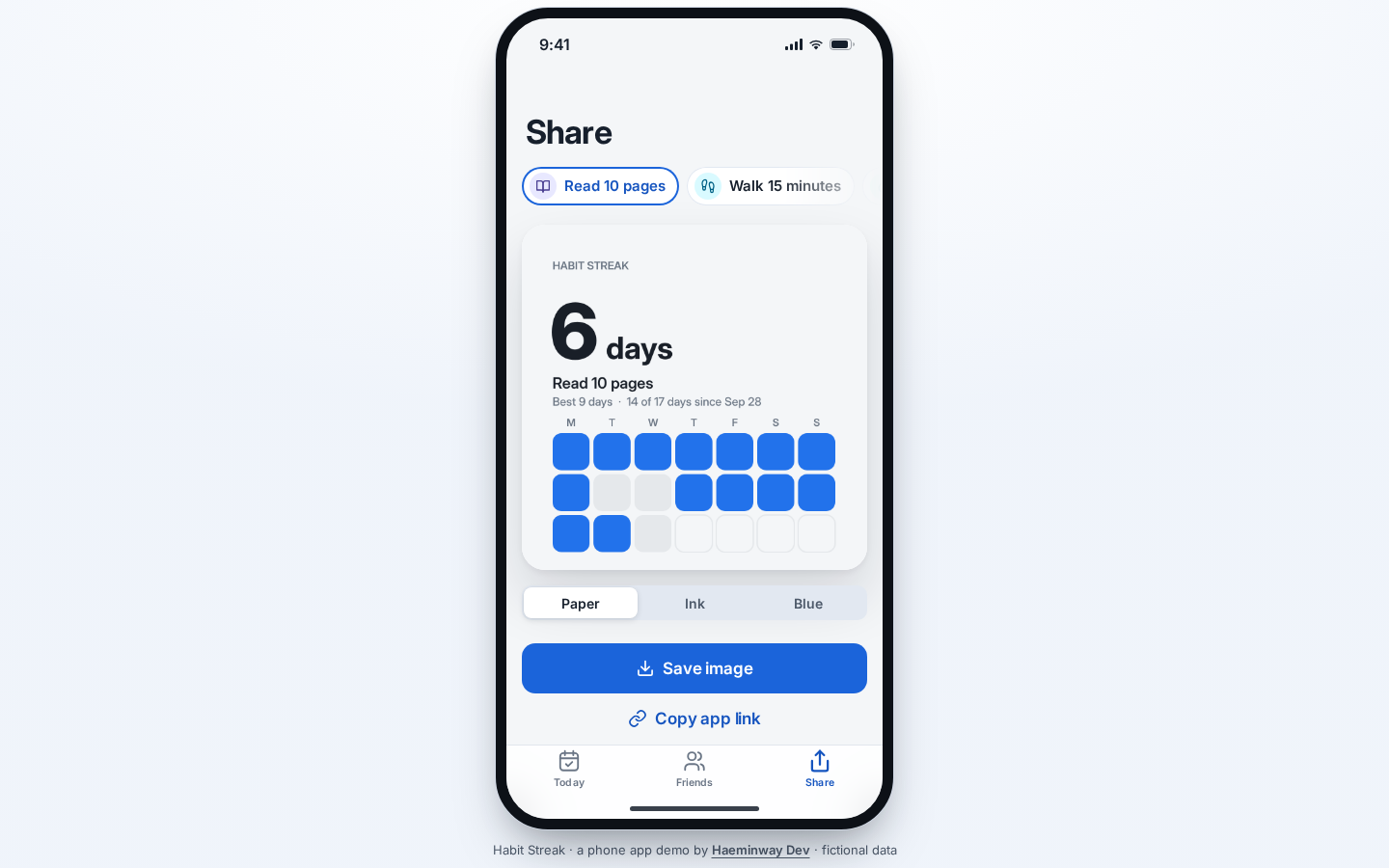
Share lets you choose a habit and card style, then save a PNG. Saving the image does not post it anywhere.
The CSV is also a snapshot: a check-in after downloading will not update your Sheet. Download again when you want a newer copy.
Records stay in this browser, with no cloud backup or connected Apps Script backend. Clearing site data or switching browsers can leave you without the old records; CSV export is not an app restore function.
Want one daily action to feed a Google Sheets workflow? Tell me what the button should record, who can see it, and what you need to export.
New posts
Get an email when a new post is out.
Just the link and a one-line summary. No ads.
- 2026.10.14 XLOOKUP vs VLOOKUP in Google Sheets: the 2-minute version
- 2026.10.14 Tap Ledger: log a coffee in two taps, total it in Sheets
- 2026.10.14 A habit tracker that can leave the app: check-ins to CSV You are here
- 2026.10.13 Your Dashboard Refreshed. Did Its Source Data?
- 2026.07.28 The Awkward Problems in Calendar-Based Attendance Tracking
- 2026.07.26 How One Shared Sheet Link Leaks Company Data
- 2026.07.23 Bad Form Auto-Replies Damage Customer Trust
- 2026.07.13 ChatGPT API Costs Quietly Leak Money If You Do Not Count Them
- 2026.06.20 Cut Your Monthly SaaS Bill: Rent vs Own Your Automation
- 2026.06.19 How Much Does Adding AI Cost? The One Exception to Zero-Cost Automation
- 2026.06.19 Automating Your Work with Google Apps Script — The Complete Guide
- 2026.06.16 How a Multi-User Inspection App Is Different
- 2026.06.10 Inventory in Google Sheets: How Far Automation Goes
- 2026.06.08 The Truth About Zero Upkeep: Why It's Free, and the Exceptions
- 2026.06.06 Outsource vs Build vs SaaS: Compared by Cost