
Bad Form Auto-Replies Damage Customer Trust
When form auto-replies damage customer trust, and what response rules should be set before automation.
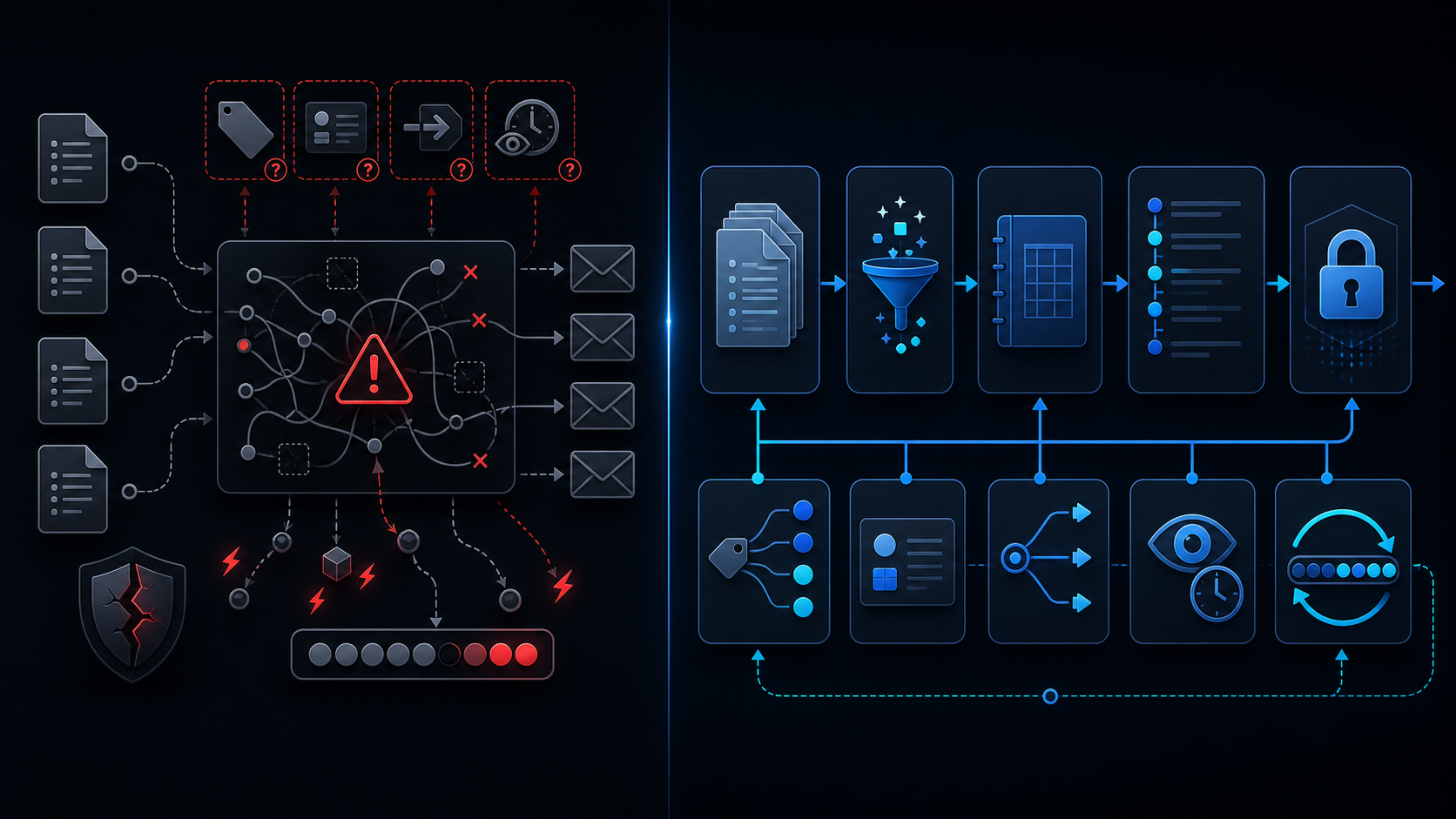
Conclusion first: Form auto-replies destroy trust the moment they are sent without category classification or human oversight. Templates must be selected by inquiry type, and every send must pass through LockService and a review gate.
How auto-replies erode trust
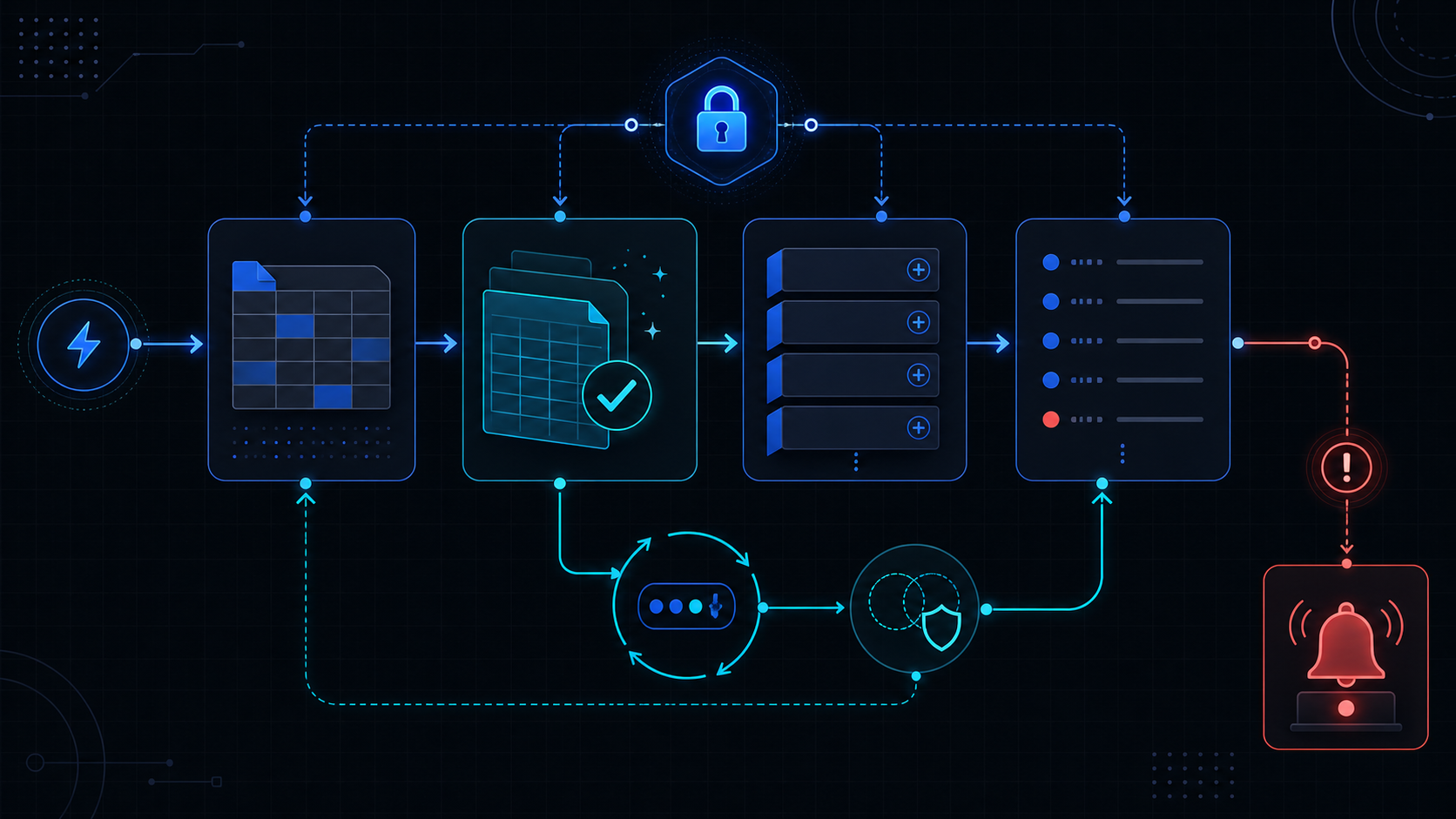
A generic thank-you message arriving within ten seconds signals automation. When the actual answer arrives late or mismatched, churn follows immediately.
Category-based template design
Add a category column to the response sheet. The onFormSubmit handler reads the value and selects the matching template.
| category | template key | human review |
|---|---|---|
| pricing | price_v2 | false |
| legal | escalate | true |
| bug | bug_ack | false |
Guarded MailApp send skeleton
function sendAutoReply(e) {
  const lock = LockService.getScriptLock();
  if (!lock.tryLock(30000)) return;
  try {
    const cat = e.values[3];
    if (cat === 'escalate') return;
    const template = getTemplate(cat);
    MailApp.sendEmail({
      to: e.values[1],
      subject: template.subject,
      htmlBody: template.body,
      replyTo: '[email protected]'
    });
  } finally {
    lock.releaseLock();
  }
}
Rate limiting and deduplication
Store a submission key in CacheService for 24 hours to block duplicates. When the per-minute quota approaches 20 messages, queue remaining items in ScriptProperties and process via time-driven triggers.
Adding a human review gate
If category equals escalate or prior sends exceed three, skip the send and post to Slack instead.
Combining LockService and CacheService eliminates both concurrency collisions and duplicate deliveries.
Failure modes and exceptions
- Sheets date coercion turns timestamps into strings and breaks dedupe keys.
- Installed triggers stop firing; see installed-not-working.
- service-invoked-too-many-times quota reached requires exponential backoff.
When not to use this approach
For more than 500 monthly inquiries or sub-one-hour SLAs, replace GAS automation with a dedicated mail service. See when-to-leave-gas.
Related internal guides
- apps-script-automation-guide
- lockservice-concurrency
- six-minute-limit
- retry-backoff
- service-invoked-too-many-times
Final review criteria
The useful question is not how many features the automation has. It is whether the workflow can be understood, recovered, and safely rerun after something goes wrong.
- Raw input is separated from the human-facing working view.
- Each run records success, failure, processed count, and error message.
- Replaying the same input does not create duplicate results.
- Permission changes, quota errors, and external API failures are visible later.
For low-risk internal tasks, that may be enough. For customer replies, booking confirmation, inventory updates, payments, or legal records, the threshold is higher: compare Apps Script against a dedicated SaaS or a small server-backed system before relying on it.