
How One Shared Sheet Link Leaks Company Data
How one shared Google Sheet link can leak company data through permissions, copies, and forgotten access.
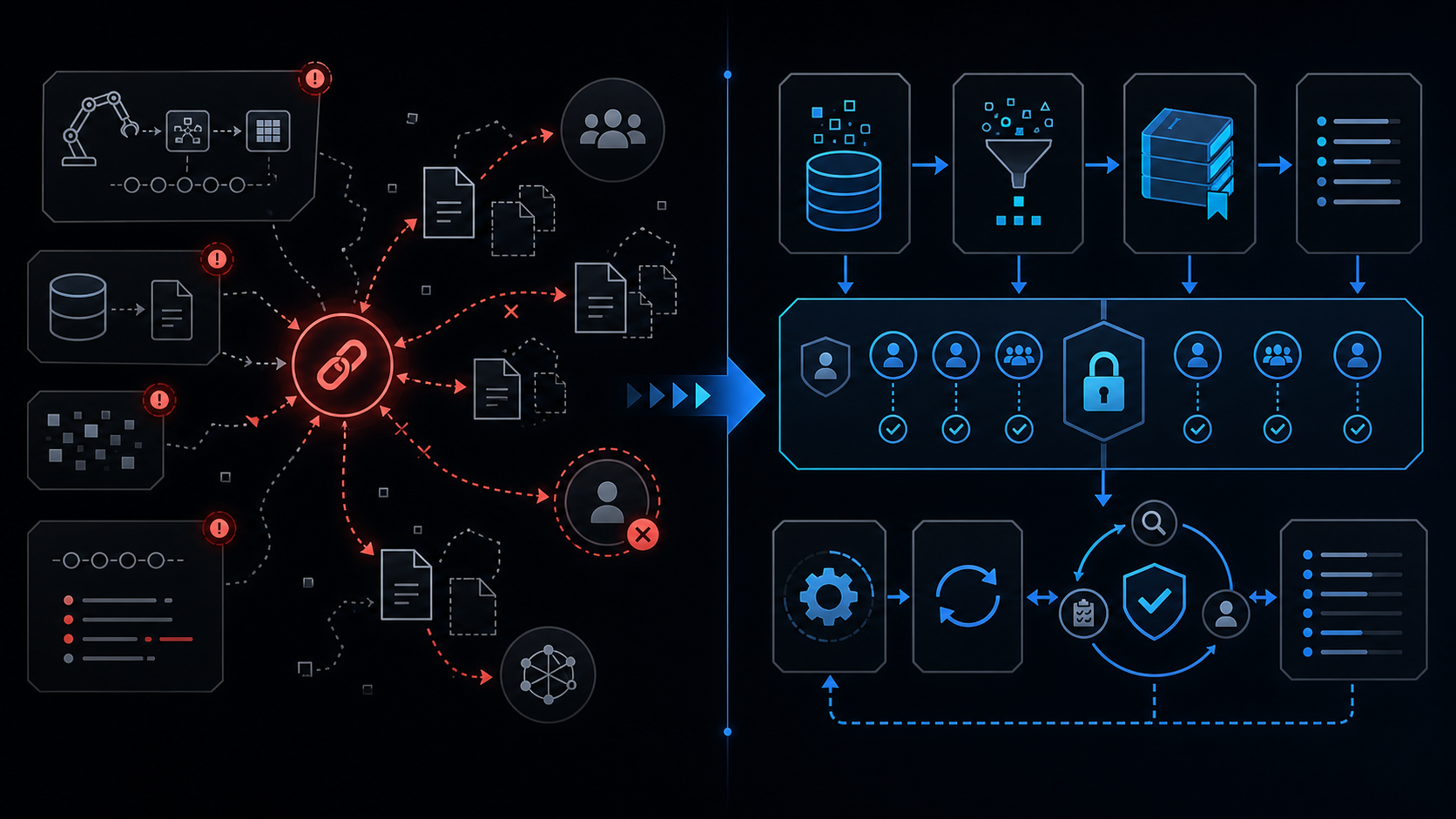
Conclusion first: A single ‘viewer’ link can cause the entire dataset to leave the company through copy ownership transfer and Apps Script privilege abuse.
Technical Structure of Link Sharing
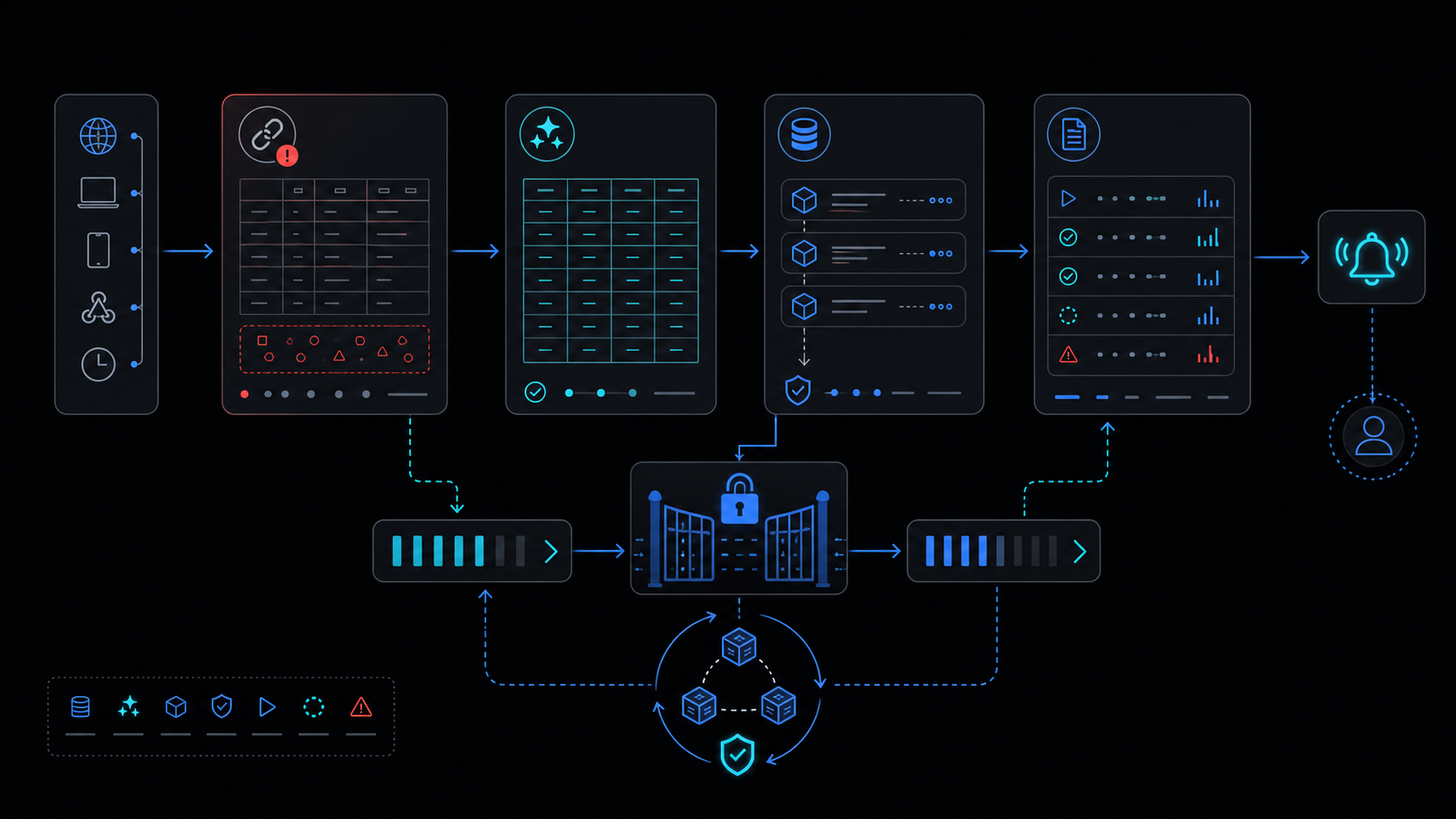 Drive ACLs operate on three layers: direct file permissions, link tokens, and group inheritance. Enabling ‘anyone with the link’ publishes a token that bypasses account requirements.
Permission Model Comparison
| Type | Account Required | Post-Copy Ownership | Audit Detail | Recommendation |
|---|---|---|---|---|
| Individual | Yes | Original preserved | Full | Preferred |
| Link | No | New owner | Limited | Prohibited |
| Group | Yes | Original preserved | Full | Conditional |
Copy Creation Failure Modes
When a viewer executes ‘Make a copy’, ownership moves to the new file. Protected ranges and onEdit triggers are lost because the new owner controls the ACL. Drive API files.copy updates the owners[] array.
Protected ranges never auto-inherit to copies; run periodic Apps Script inventory scans.
Offboarding Ex-Employees
- Suspend account in Admin console
- Query Drive audit logs for files modified after termination date
- Remove from all groups
- Bulk-transfer file ownership via Apps Script
External Partner Controls
Keep link sharing off for external domains. Grant only individual accounts. Deploy Apps Script with execute-as set to ‘me’.
Apps Script Audit Snippet
function auditSharing() {
  const files = DriveApp.getFiles();
  while (files.hasNext()) {
    const f = files.next();
    const perms = Drive.Permissions.list(f.getId()).items;
    // detect anyoneWithLink or external domains
  }
}
Using Drive Audit Logs
Export to BigQuery or poll via Apps Script every 90 days. Alert immediately on any ‘change owner’ event.
Recurring Review Checklist
- Verify link sharing = off on all files (monthly)
- Extract external domain accounts
- Confirm 100% protected ranges coverage
- Measure Apps Script execute-as = ‘me’ ratio
- Transfer ownership from ex-employees within 7 days
When Not to Use This Approach
If policy mandates internal-domain-only files or more than 100 external editors must collaborate simultaneously, evaluate Google Workspace Enterprise DLP first.
See also: spreadsheet-inventory-limits, apps-script-automation-guide, when-to-leave-gas, lockservice-concurrency
Final review criteria
The useful question is not how many features the automation has. It is whether the workflow can be understood, recovered, and safely rerun after something goes wrong.
- Raw input is separated from the human-facing working view.
- Each run records success, failure, processed count, and error message.
- Replaying the same input does not create duplicate results.
- Permission changes, quota errors, and external API failures are visible later.
For low-risk internal tasks, that may be enough. For customer replies, booking confirmation, inventory updates, payments, or legal records, the threshold is higher: compare Apps Script against a dedicated SaaS or a small server-backed system before relying on it.
Frequently asked questions
- Can viewers still leak data by making copies even with link sharing set to viewer?
- Yes. Creating a copy transfers ownership to the new file, removing original protected ranges and Apps Script triggers.
- How do I detect ex-employee accounts still accessing sheets?
- Filter Drive audit logs for last access and sharing events, remove the account from groups, then run an Apps Script inventory scan.
- What is the least-privilege model for external partners?
- Set link sharing to 'off', grant individual accounts, restrict cells with protected ranges, and run Apps Script as 'me'.