
Why Internal Dashboards Are Ignored After Six Months
Why internal dashboards get abandoned after a few months, from data trust to speed and decision ownership.
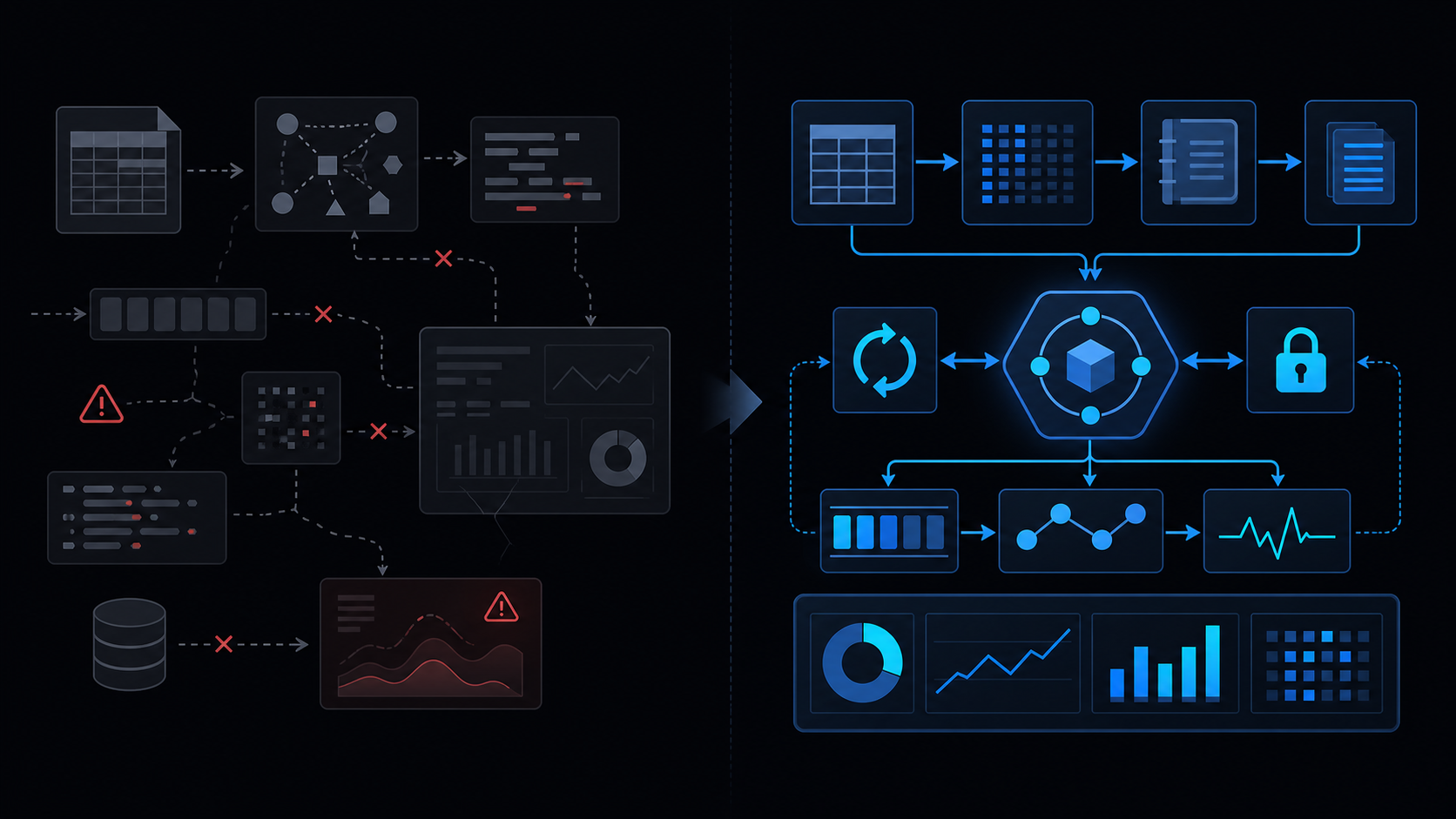
Conclusion first: Internal dashboards are ignored after six months primarily because ownership is missing, freshness timestamps are absent, and metric definitions drift. Enforce a metric contract table, assign a single owner, and keep load time under three seconds.
Data Freshness Timestamp Management
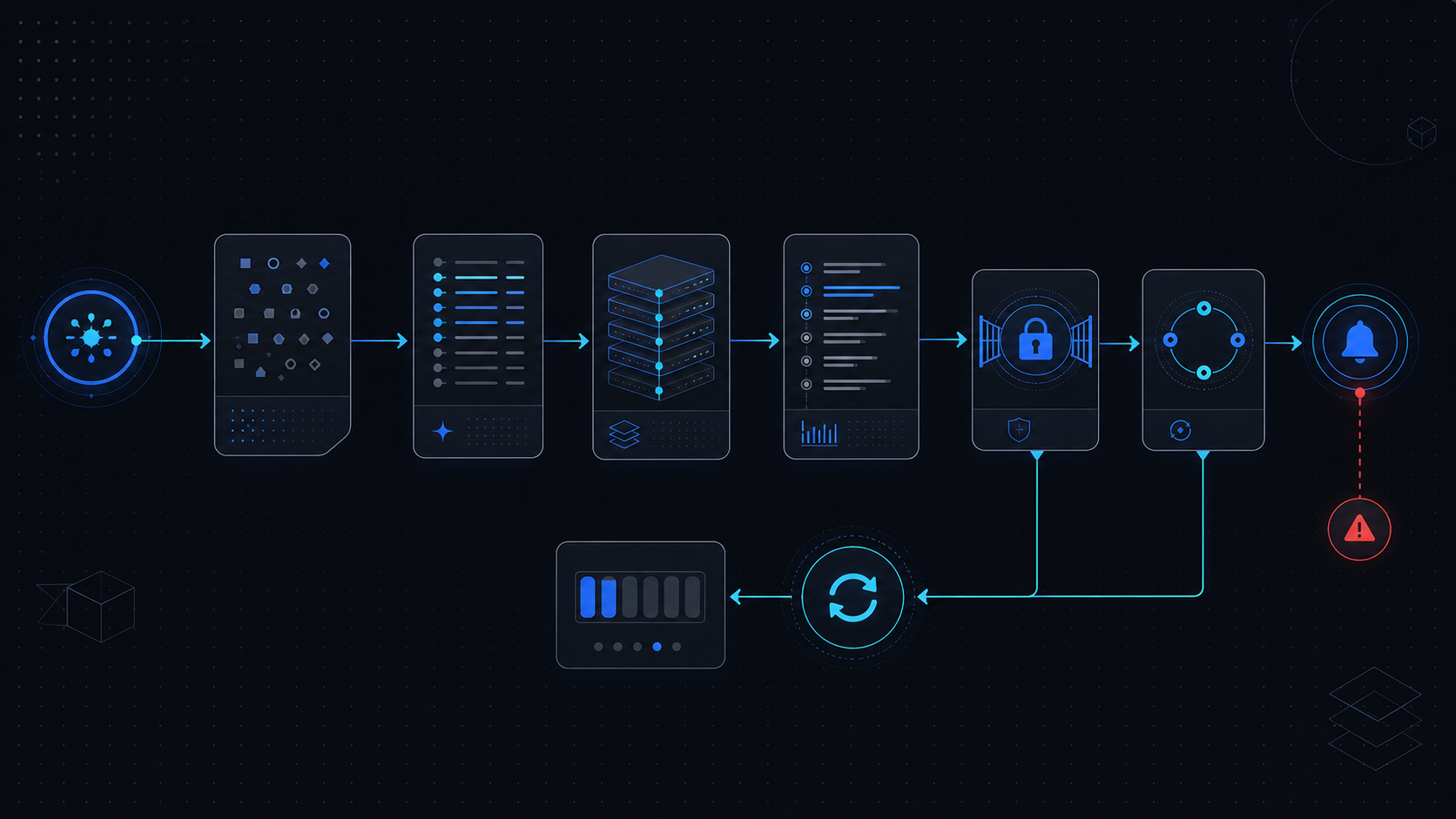 Every query result must carry a last_updated field. When serving via HtmlService, always embed the timestamp and owner email.
function buildDashboard() {
  const data = querySource();
  return HtmlService.createHtmlOutput(JSON.stringify({
    metrics: data,
    freshness: new Date(),
    owner: Session.getActiveUser().getEmail()
  }));
}
Ownership and Responsibility Assignment
Assign exactly one owner per dashboard. Document an automatic hand-off process when the owner leaves the company.
Metric Contract Table
| Metric | Definition | Source | Freshness SLA | Owner |
|---|---|---|---|---|
| DAU | Users active in last 24h | BigQuery | 4 hours | analytics-team |
| Error Rate | 5xx responses ratio | Logs | 15 minutes | platform-team |
Performance and Load Time
Sheets-based dashboards lose users once load exceeds three seconds. Separate cache into a dedicated sheet to avoid browser-storage-evicts and sheets-date-coercion.
Forcing metric contract plus owner fields removes roughly 80 % of abandonment causes.
Decision-Making Connection
Add an explicit “What decision does this number drive?” section beneath every metric. Numbers without a linked decision are ignored.
Implementation Path
- Audit spreadsheet-inventory-limits
- Write the metric contract
- Deploy Apps Script freshness refresh job
- Measure load time and apply retry-backoff
Failure Modes and When Not to Use
- LockService concurrency collisions
- six-minute-limit exceedance
- no-gradual-rollout causing company-wide breakage
Final review criteria
The useful question is not how many features the automation has. It is whether the workflow can be understood, recovered, and safely rerun after something goes wrong.
- Raw input is separated from the human-facing working view.
- Each run records success, failure, processed count, and error message.
- Replaying the same input does not create duplicate results.
- Permission changes, quota errors, and external API failures are visible later.
For low-risk internal tasks, that may be enough. For customer replies, booking confirmation, inventory updates, payments, or legal records, the threshold is higher: compare Apps Script against a dedicated SaaS or a small server-backed system before relying on it.
Frequently asked questions
- Why does dashboard data become stale without updates?
- No owner and missing freshness timestamps. Create a metric contract table that explicitly lists owner, query source, and update cadence.
- What causes slow HtmlService dashboard load times?
- Sheets date coercion and LockService contention. Apply six-minute-limit handling and retry-backoff while separating cache layers.
- Key cautions when maintaining dashboards in Sheets instead of Looker?
- Respect spreadsheet-inventory-limits and avoid installed-not-working by pinning a stable-deploy-url for all consumers.