
- 2026.07.28 The Awkward Problems in Calendar-Based Attendance Tracking
- 2026.07.27 Why AI Sales Emails Get No Replies
- 2026.07.26 How One Shared Sheet Link Leaks Company Data
- 2026.07.25 Make.com Subscription vs Free Apps Script: Which Is Actually Cheaper?
- 2026.07.24 Why Internal Dashboards Are Ignored After Six Months
- 2026.07.23 Bad Form Auto-Replies Damage Customer Trust
- 2026.07.22 The Moment Free Automation Hits a Paid Plan
- 2026.07.21 Why Cutting Prompts to Save AI Cost Can Make Things Worse
- 2026.07.20 Spreadsheet Inventory Numbers Do Not Match for a Reason
- 2026.07.19 Why Vibe-Coded Apps Script Turns Into Trash After Three Months You are here
- 2026.07.18 Why Google Calendar Booking Systems Double-Book
- 2026.07.17 Why a Stack of SaaS Tools Does Not Raise Revenue
- 2026.07.14 Why Google Forms Data Turns Messy in Days
- 2026.07.13 ChatGPT API Costs Quietly Leak Money If You Do Not Count Them
- 2026.07.12 The Permission Trap in Spreadsheet Approval Systems
- 2026.07.11 Why Three No-Code Tools Got Replaced by One Apps Script
- 2026.07.10 Where Free Google Apps Script Automation Starts Leaking Money
- 2026.06.20 Cut Your Monthly SaaS Bill: Rent vs Own Your Automation
- 2026.06.19 How Much Does Adding AI Cost? The One Exception to Zero-Cost Automation
- 2026.06.19 Automating Your Work with Google Apps Script — The Complete Guide
- 2026.06.16 How a Multi-User Inspection App Is Different
- 2026.06.10 Inventory in Google Sheets: How Far Automation Goes
- 2026.06.08 The Truth About Zero Upkeep: Why It's Free, and the Exceptions
- 2026.06.06 Outsource vs Build vs SaaS: Compared by Cost
Why Vibe-Coded Apps Script Turns Into Trash After Three Months
Why quickly vibe-coded Apps Script projects become maintenance problems after the first successful demo.
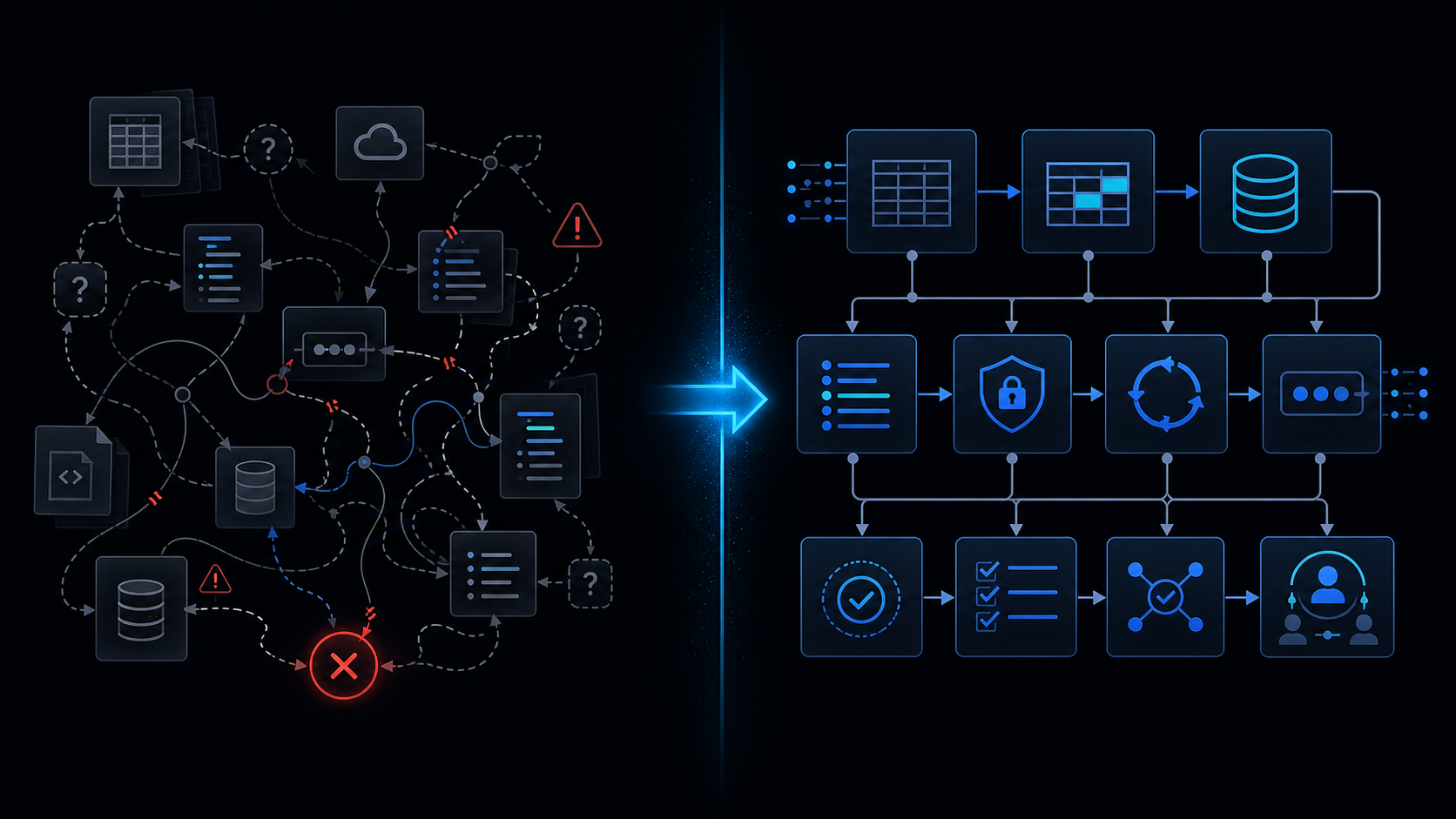
Conclusion first: Vibe-coded Apps Script becomes unmaintainable within three months due to name collisions, undefined scopes, absent execution logs, and deleted test functions. Applying a clasp-based folder layout, explicit appsscript.json, test function conventions, and deployment notes extends maintainability beyond twelve months.
Project Layout Standard
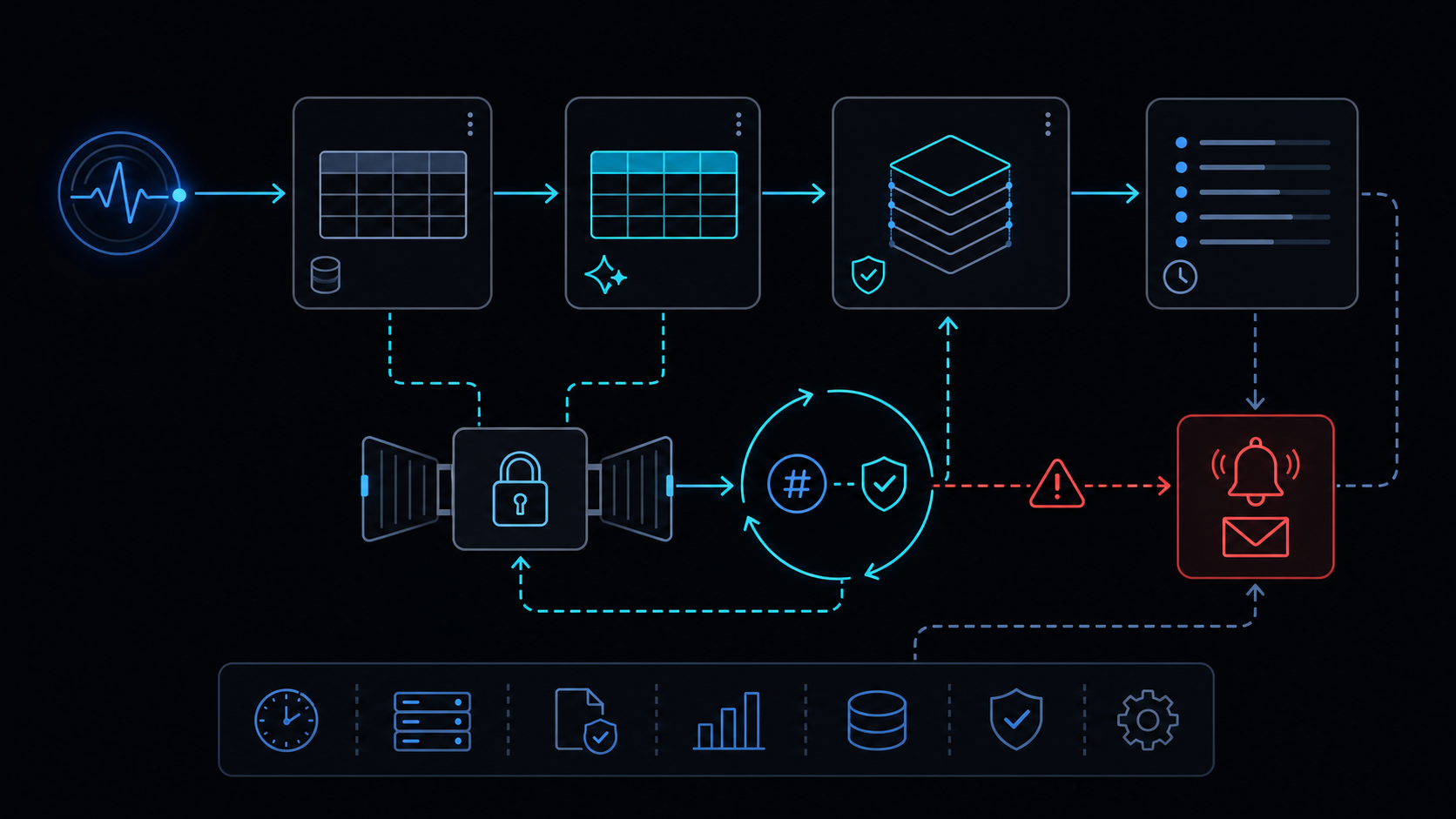
Separate files under src/ by feature. Keep appsscript.json, .clasp.json, README.md, and deploy-notes.md at the root.
src/
  main.gs
  utils/
    logger.gs
    retry.gs
  triggers/
    onEdit.gs
Naming Conventions
Use verb+noun for functions, UPPER_SNAKE_CASE for constants, and underscore prefix for private helpers.
| Type | Example | Reason |
|---|---|---|
| Function | processInvoiceRow | Action is explicit |
| Constant | MAX_RETRY_COUNT | Single change point |
| Private | _validatePayload | Prevents external calls |
clasp and appsscript.json Management
Minimize scopes in appsscript.json before clasp push and declare timeZone. Record scope diffs in git commit messages.
Committing appsscript.json to git prevents scope mismatches across deployment environments.
Logging Strategy
Emit JSON containing Execution ID and input values instead of plain Logger.log. When logs truncate inside the six-minute limit, split transmissions following the retry-backoff note.
Test Function Rules
Place test_ prefixed functions at the end of each file, isolated from production code. Validate with clasp run test_ in CI pipelines.
Permission and Scope Failure Modes
Excessive scopes cause installed triggers to enter the installed-not-working state. When service-invoked-too-many-times errors appear, review when-to-leave-gas.
Handover Documentation
Record deployment URL, trigger IDs, and last execution results in deploy-notes.md. Document rollback steps referencing the no-gradual-rollout note.
When Not to Use This Approach
For sheets exceeding one million rows, sub-second real-time API SLAs, or multi-user concurrent edits, consult spreadsheet-inventory-limits and lockservice-concurrency then evaluate alternative platforms.
Final review criteria
The useful question is not how many features the automation has. It is whether the workflow can be understood, recovered, and safely rerun after something goes wrong.
- Raw input is separated from the human-facing working view.
- Each run records success, failure, processed count, and error message.
- Replaying the same input does not create duplicate results.
- Permission changes, quota errors, and external API failures are visible later.
For low-risk internal tasks, that may be enough. For customer replies, booking confirmation, inventory updates, payments, or legal records, the threshold is higher: compare Apps Script against a dedicated SaaS or a small server-backed system before relying on it.
Frequently asked questions
- How should I structure a clasp project?
- Keep .gs files under src/ by feature, declare scopes explicitly in appsscript.json, and maintain README.md plus deploy-notes.md at the root for deployment history.
- What breaks when logging is insufficient?
- console.log alone prevents tracing within the 6-minute limit and execution IDs. Combine Logger with Execution API and emit JSON containing stack trace plus input values on errors.
- How do I minimize OAuth scopes?
- List only required scopes in appsscript.json and remove unused services such as DriveApp or Gmail. For installed triggers, follow the installed-not-working note to re-verify permissions.
- 2026.07.28 The Awkward Problems in Calendar-Based Attendance Tracking
- 2026.07.27 Why AI Sales Emails Get No Replies
- 2026.07.26 How One Shared Sheet Link Leaks Company Data
- 2026.07.25 Make.com Subscription vs Free Apps Script: Which Is Actually Cheaper?
- 2026.07.24 Why Internal Dashboards Are Ignored After Six Months
- 2026.07.23 Bad Form Auto-Replies Damage Customer Trust
- 2026.07.22 The Moment Free Automation Hits a Paid Plan
- 2026.07.21 Why Cutting Prompts to Save AI Cost Can Make Things Worse
- 2026.07.20 Spreadsheet Inventory Numbers Do Not Match for a Reason
- 2026.07.19 Why Vibe-Coded Apps Script Turns Into Trash After Three Months You are here
- 2026.07.18 Why Google Calendar Booking Systems Double-Book
- 2026.07.17 Why a Stack of SaaS Tools Does Not Raise Revenue
- 2026.07.14 Why Google Forms Data Turns Messy in Days
- 2026.07.13 ChatGPT API Costs Quietly Leak Money If You Do Not Count Them
- 2026.07.12 The Permission Trap in Spreadsheet Approval Systems
- 2026.07.11 Why Three No-Code Tools Got Replaced by One Apps Script
- 2026.07.10 Where Free Google Apps Script Automation Starts Leaking Money
- 2026.06.20 Cut Your Monthly SaaS Bill: Rent vs Own Your Automation
- 2026.06.19 How Much Does Adding AI Cost? The One Exception to Zero-Cost Automation
- 2026.06.19 Automating Your Work with Google Apps Script — The Complete Guide
- 2026.06.16 How a Multi-User Inspection App Is Different
- 2026.06.10 Inventory in Google Sheets: How Far Automation Goes
- 2026.06.08 The Truth About Zero Upkeep: Why It's Free, and the Exceptions
- 2026.06.06 Outsource vs Build vs SaaS: Compared by Cost