
Make.com Subscription vs Free Apps Script: Which Is Actually Cheaper?
The real cost tradeoff between Make.com subscriptions and Apps Script ownership across speed, exceptions, and maintenance.
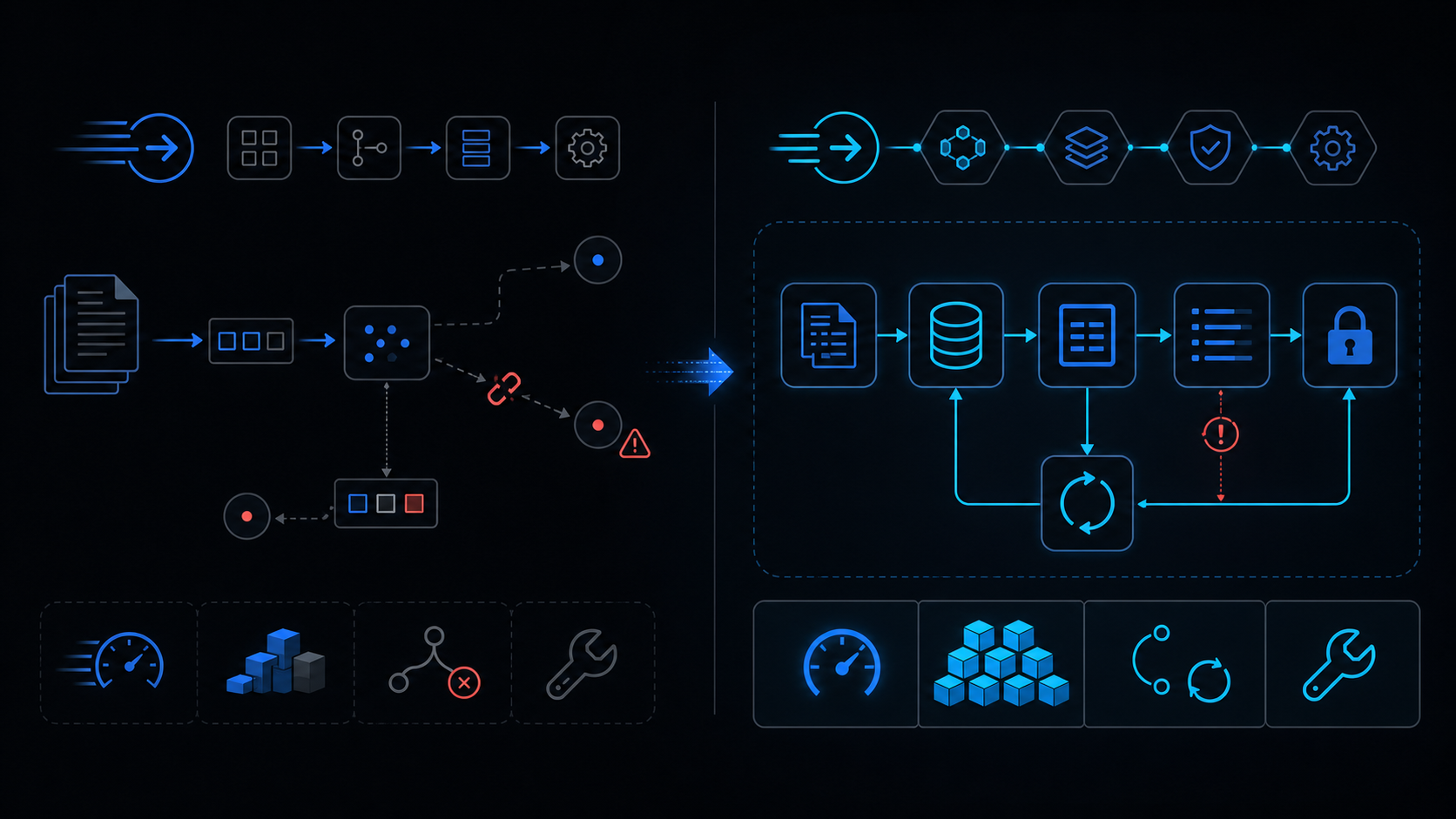
Conclusion first: Make.com charges €9+/month with overage fees after quotas while delivering fast visual builds. Apps Script is free but hits hard limits on runtime (6 min), daily quotas, and concurrency, turning maintenance into hidden cost. Use Apps Script below ~50k simple operations; switch to Make for multi-branch flows with retries above 100k.
Operation Volume Comparison
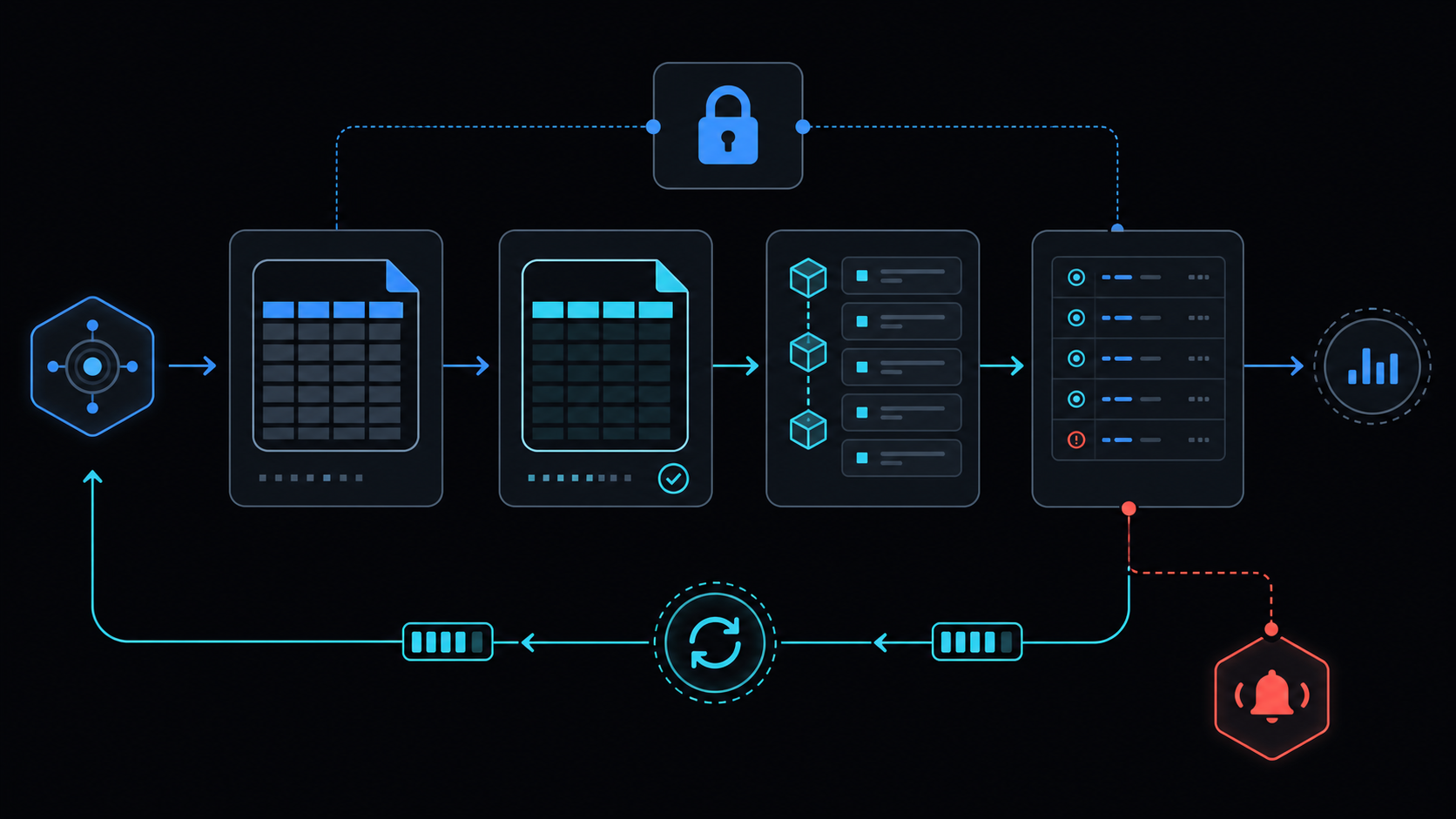
| Metric | Make.com | Apps Script |
|---|---|---|
| Monthly ops | €9–29 at 100k | Free up to quota (20k–90k) |
| Overage | Per-operation billing | Immediate halt |
| Log retention | 30 days | 7 days |
Initial Development Speed
Make visual builder completes scenarios in 1–2 hours. Apps Script requires 4–8 hours for code, deployment, and trigger setup.
Error Handling and Retries
Make provides built-in retry and exponential backoff. Apps Script demands manual implementation of retry-backoff logic.
// Apps Script retry skeleton
function withRetry(fn, max=3) {
  for(let i=0; i<max; i++) {
    try { return fn(); }
    catch(e) { Utilities.sleep(1000*Math.pow(2,i)); }
  }
  throw new Error('failed after retries');
}
Operational Failure Modes
- Make: expired API keys, module version drift
- Apps Script: service-invoked-too-many-times, LockService deadlock
When NOT to Use Apps Script
Avoid for >5 branching steps, 3+ external SaaS integrations, or strict real-time SLA. Choose Make or hybrid instead.
Maintenance Checklist
- Daily execution log monitoring
- Quota alert triggers
- API key rotation policy
Related internal guides
See apps-script-automation-guide, when-to-leave-gas, six-minute-limit, retry-backoff, service-invoked-too-many-times.
Final review criteria
The useful question is not how many features the automation has. It is whether the workflow can be understood, recovered, and safely rerun after something goes wrong.
- Raw input is separated from the human-facing working view.
- Each run records success, failure, processed count, and error message.
- Replaying the same input does not create duplicate results.
- Permission changes, quota errors, and external API failures are visible later.
For low-risk internal tasks, that may be enough. For customer replies, booking confirmation, inventory updates, payments, or legal records, the threshold is higher: compare Apps Script against a dedicated SaaS or a small server-backed system before relying on it.