
GAS Has No Gradual Rollout: One 'Correct' Check Locks Out Every User
Apps Script goes to 100% of users the instant you promote — there's no canary. The difference between push and deploy, shipping new checks on a compat → warn → enforce ladder, telemetry that counts old clients, and the rollback command when it goes wrong.
GAS has no gradual rollout. Promote, and it goes to 100% that instant. Enforce a new check that clients already installed on field phones don’t know about, and every user locks out the moment you deploy. I once added a session check in the name of “hardening,” and because old clients didn’t send the token, every history lookup in the field was blocked.
Why it matters
With no canary, “ship to a few first, expand if fine” is impossible. Even if the code passes every local test, the client in the field is last week’s bundle. Enforce a new contract on the server alone and you instantly break the contract with every old client. Rolling back still leaves the field frozen in between.
push, deploy, promote — what actually reaches users
Start with the deploy model. clasp push uploads source only. Users still get the old version. What reaches users is clasp deploy cutting a new version.
clasp push                                  # local → Apps Script source (no user impact)
clasp deploy -i <deploymentId> -d "note"    # cut a new version for this deployment (users get it)
clasp deployments                           # list deployment IDs and versions
Keep one deployment ID and bump the version. That keeps the web-app URL stable (pin it). Make a new deployment every time and the /exec URL changes, killing old links.
The fix: ship new checks on a compat → warn → enforce ladder
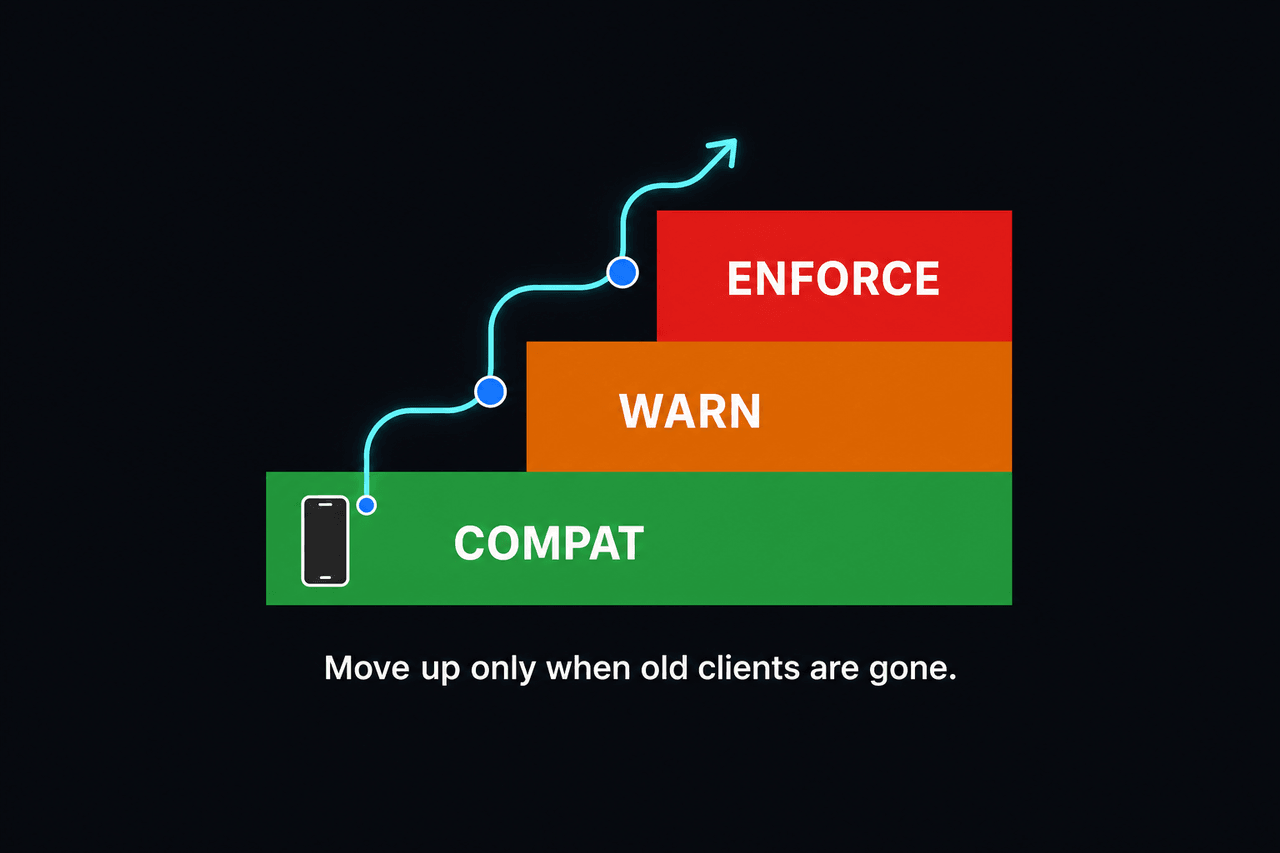
Don’t ship a newly-enforced gate straight to enforce. Keep a mode in a script property and start with a default of compat that can’t break anyone. In the warn stage, count old-client hits, and promote to enforce only once that reaches zero.
function sessionMode_() {
  return PropertiesService.getScriptProperties()
    .getProperty("APP_SESSION_MODE") || "compat"; // default: compat, breaks no one
}

function requireApprovedSession_(token) {
  const ok = token && isApprovedSession_(token);
  const mode = sessionMode_();
  if (ok) return;
  if (mode === "compat") { recordLegacyHit_(); return; }  // compat: pass + count
  if (mode === "warn") {                                    // warn: pass + record
    recordLegacyHit_();
    console.warn("session missing (warn mode)");
    return;
  }
  throw new Error("APP_SESSION_REQUIRED");                  // enforce: block only here
}

// Count old clients (token-less requests) → when this converges to 0, you can enforce
function recordLegacyHit_() {
  const p = PropertiesService.getScriptProperties();
  p.setProperty("legacyHits", String(Number(p.getProperty("legacyHits") || 0) + 1));
}
Promotion order: deploy at compat → ship the client update → watch at warn for a few days → once legacyHits is 0, flip to enforce. Switching modes is just a script-property change, no redeploy.
When it goes wrong: rollback
Re-deploy the same deployment ID to the previous safe version and it reverts instantly.
# roll back to the previous safe version (keep the deployment ID, revert the version)
clasp deploy -i <deploymentId> -V <previous_version_number>
So record the current prod version number right before you deploy. Incidents usually happen at night, and if you can’t find that number, the rollback drags.
Easy to miss
- There’s no canary. It’s all or nothing, so the default that ships must itself be safe.
- Record the previous version number. A rollback reverts the deployment’s version. You need that number in hand to revert at night.
- Clients in the field run old code. Keep server changes compatible with old clients. Don’t make a new field or header “must be present” (additive only).
- Decide with data. Not “it’s probably fine by now” — flip to enforce based on an actual count like
legacyHitshitting zero.
Deeper: a new required contract is always a ladder
Server accepts it in compat → clients start sending the new token → old-client hits converge to zero → only then enforce. Skip that order and the field freezes. One line to keep: default new gates to compat, and enforce only after data confirms old clients are gone.
Frequently asked questions
- Can I roll out an Apps Script deploy to some users first?
- No. A promote is instant and global, so canary (partial rollout) isn't possible. Instead, gate new rules in code behind a mode flag like a script property, and enforce them gradually through compat → warn → enforce.
- I ran clasp push but nothing changed — why?
- push only uploads source; deploy cuts an actual versioned web app. Even when push says 'already up to date,' users still get the old version. Deploying is two separate steps: push, then deploy.
- A new deploy locked out existing users. How do I recover?
- Re-deploy the same deployment ID to the previous safe version number to roll back. Then re-ship the new check with a compat default instead of enforce, and wait until old clients age out.
- How do I know the previous version number to roll back to?
- clasp deployments lists deployments and versions, but the reliable move is to record 'the current safe prod version number' right before you deploy. Incidents usually happen at night, and if you can't find the number, the rollback drags.