
Installed ≠ Working: the Backup Trigger Never Ran Once
In GAS, scopes, triggers, and permissions fail silently. Miss one manifest scope and the trigger never runs. Why it fails silently, installing idempotently to dodge the 20-trigger cap, a heartbeat, and proving it ran right after install.
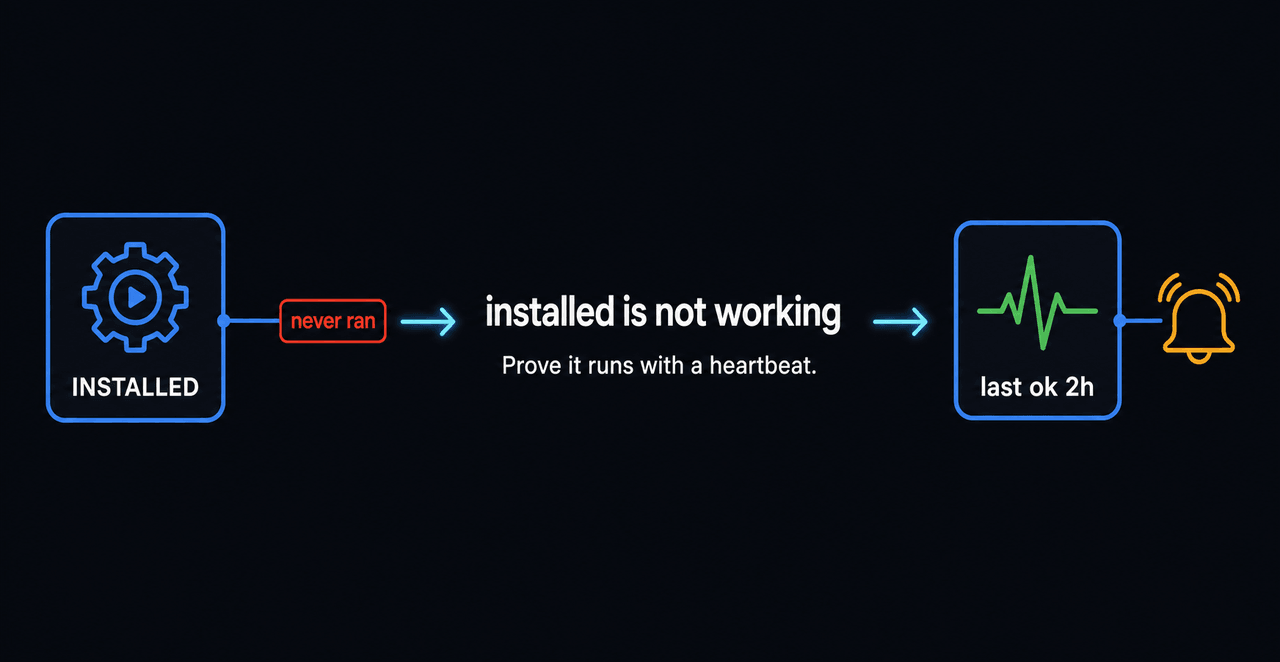
In GAS, “installed” is not “working.” Scopes, triggers, and permissions fail with no error — they just don’t run. The backup code existed and the trigger was “installed,” yet there was not a single success on record. appsscript.json was missing one scope — script.scriptapp — so the trigger silently never fired.
Why it matters
Nobody knows it isn’t running. You discover “there’s no backup” only at the moment an incident forces you to restore. That means an effectively infinite recovery point (RPO). Visible features at least get user reports; background automation like backup, sync, and cleanup dies quietly and gets buried quietly.
Why it fails silently
Three common causes, and none of them throws an error.
- Missing manifest scope — creating triggers needs
script.scriptapp. - The 20-trigger cap — repeated reinstalls pile up duplicates and fail quietly.
- No re-consent — change a scope and the user must re-authorize before it activates.
Check the scope first. Without it, the trigger never appears.
// appsscript.json — using triggers requires script.scriptapp
{
  "timeZone": "Asia/Seoul",
  "oauthScopes": [
    "https://www.googleapis.com/auth/spreadsheets",
    "https://www.googleapis.com/auth/script.scriptapp"
  ]
}
The fix: idempotent install + heartbeat + health check
Install idempotently (delete the same-handler trigger, then recreate) to dodge the 20-cap. And leave a “last succeeded” timestamp on every run.
const ADMIN = "[email protected]";

// Idempotent install: delete the same-handler trigger, then create (no duplicates / cap)
function installBackupTrigger_() {
  ScriptApp.getProjectTriggers()
    .filter((t) => t.getHandlerFunction() === "runBackup")
    .forEach((t) => ScriptApp.deleteTrigger(t));
  ScriptApp.newTrigger("runBackup").timeBased().everyHours(6).create();
}

// Leave a "last succeeded" timestamp every run = heartbeat
function runBackup() {
  doBackup_();
  PropertiesService.getScriptProperties()
    .setProperty("backup.lastOk", new Date().toISOString());
}

// Health check (separate trigger): stale heartbeat means dead, not "installed"
function assertBackupAlive_() {
  const last = PropertiesService.getScriptProperties().getProperty("backup.lastOk");
  const ageMs = last ? Date.now() - new Date(last).getTime() : Infinity;
  if (ageMs > 26 * 60 * 60 * 1000) {                // no success for over 26 hours
    MailApp.sendEmail(ADMIN, "Backup heartbeat lost", "last=" + last);
  }
}
Prove it right after install
Don’t stop at “installed.” Right after install, actually run it once and confirm the heartbeat lands. That catches a missing scope or a failed re-consent on the spot.
// Treat "ran successfully at least once" — not "installed" — as the evidence
function installAndProve_() {
  installBackupTrigger_();
  runBackup();                                       // run once immediately
  const ok = PropertiesService.getScriptProperties().getProperty("backup.lastOk");
  if (!ok) throw new Error("BACKUP_NEVER_RAN");       // no heartbeat → treat install as failed
}
Easy to miss
- The manifest scope. Creating triggers requires
script.scriptappinappsscript.json’soauthScopes. - Record success, not installation. A “created the trigger” log is not evidence. Only a recent success time is evidence of life.
- The 20-trigger cap. Repeated reinstalls pile up duplicates and fail quietly. Delete the old same-handler trigger before creating one (idempotent install).
- A scope change needs re-consent. After editing oauthScopes, run it once as a human to re-authorize. A cron-only path fails silently.
Deeper: the more invisible the automation, the more it needs a heartbeat
For automation users never see — backup, sync, cleanup — leave a last-success timestamp and alarm when it stops. “I installed it” is past tense; “succeeded within 26 hours” is present tense. One line to keep: decide automation is alive by its last successful run, never by “installed.”
Frequently asked questions
- Why doesn't my installed Apps Script trigger run?
- The manifest is missing the script.scriptapp scope, you hit the 20-trigger cap, or a re-consent after adding a scope never happened. What they share is that it fails silently with no error, so without a heartbeat you find out late.
- How do I confirm a backup or automation actually runs?
- Record a 'last successful run' timestamp in script properties on every run, and add a separate health-check trigger that alarms when that value goes stale. Decide 'alive' from 'succeeded recently,' not from 'I installed it.'
- What scope does GAS need to create triggers?
- To use ScriptApp's trigger APIs (like time-based triggers), appsscript.json's oauthScopes must include script.scriptapp. Without it, the install fails or the trigger never appears.
- I added the scope but it still doesn't work — why?
- Changing oauthScopes requires the user to re-consent before the new scope activates. Running unattended (cron) can't re-consent and fails silently, so after a scope change, run it once as a human to re-authorize.