
Why a Daily Apps Script Trigger Suddenly Stops
The common reasons a daily Apps Script trigger suddenly stops, and what operators should check first.
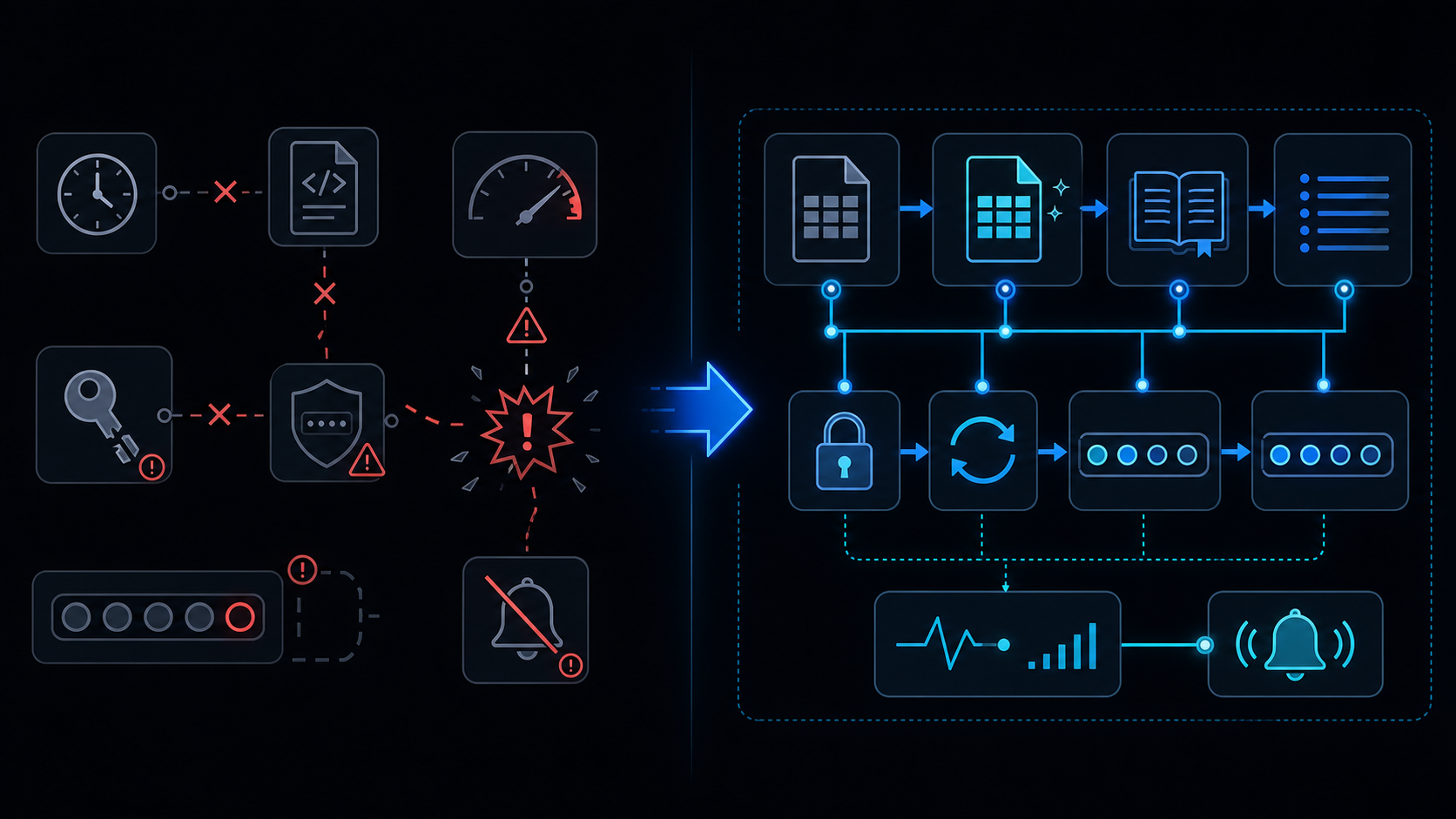
Conclusion first: Over 80% of sudden trigger stops are caused by quota exhaustion, owner account auth invalidation, unhandled exceptions, or missing notifications. Implement a heartbeat sheet immediately and automate quota monitoring.
Checking Quota Limits
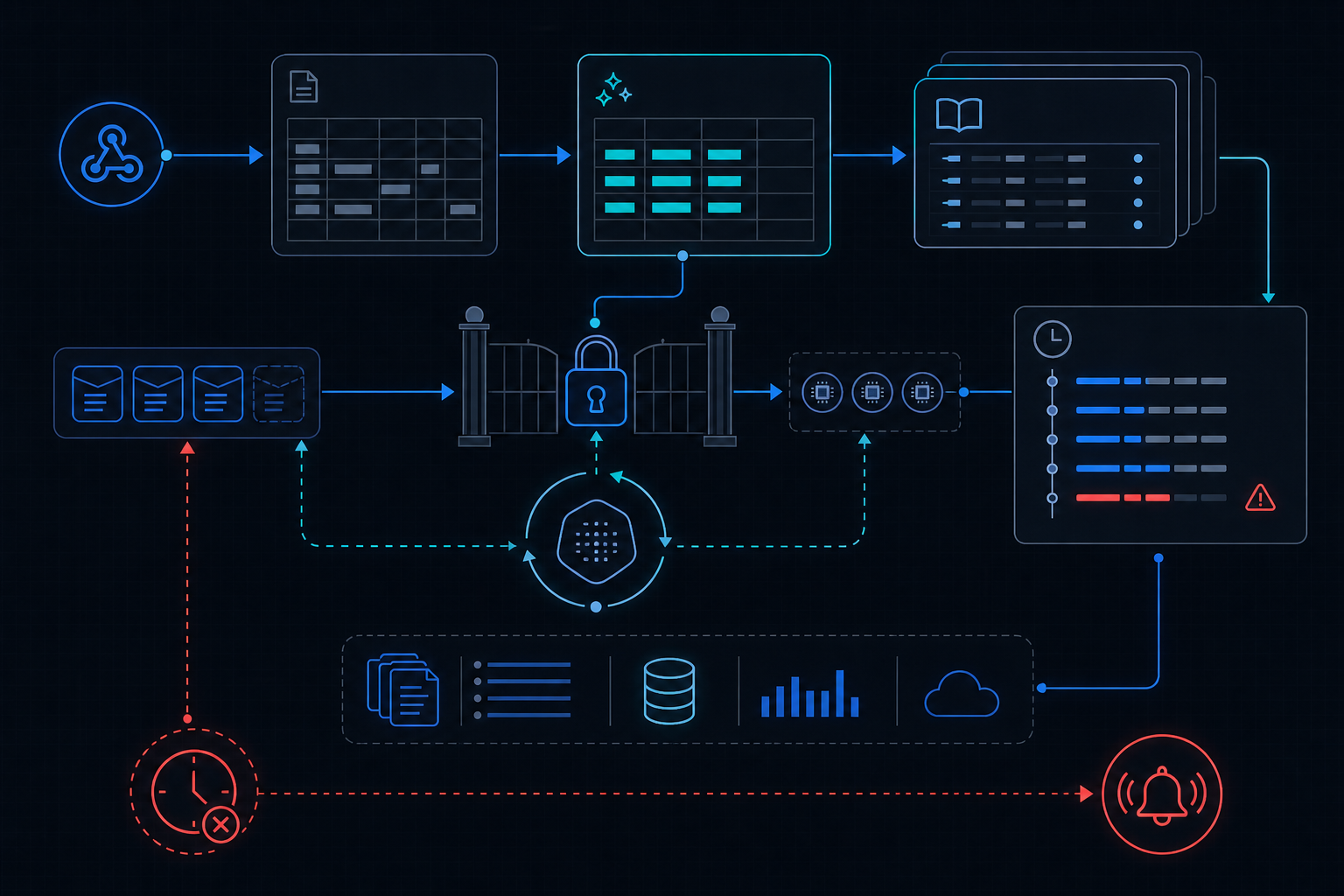
Permission and OAuth Scope Changes
Owner Account Security Events
Unhandled Exceptions and Silent Failures
Risks of Missing Notifications
Heartbeat Sheet Implementation
function heartbeat() {
  const ss = SpreadsheetApp.getActive();
  const sheet = ss.getSheetByName('heartbeat') || ss.insertSheet('heartbeat');
  sheet.appendRow([new Date(), Session.getActiveUser().getEmail()]);
}
Installable vs Simple Triggers Comparison
| Item | Installable Trigger | Simple Trigger |
|---|---|---|
| Execution context | Owner account | Current user |
| Re-auth required | Frequent | Rare |
Checklist:
- Check quota dashboard
- Test owner login
- Add try/catch + Logger.log
Run heartbeat every 15 minutes and trigger Slack alert on 2-hour staleness via a separate monitoring function.
When Not to Use This Approach
See also: apps-script-automation-guide, six-minute-limit, retry-backoff, service-invoked-too-many-times, when-to-leave-gas
Final review criteria
The useful question is not how many features the automation has. It is whether the workflow can be understood, recovered, and safely rerun after something goes wrong.
- Raw input is separated from the human-facing working view.
- Each run records success, failure, processed count, and error message.
- Replaying the same input does not create duplicate results.
- Permission changes, quota errors, and external API failures are visible later.
For low-risk internal tasks, that may be enough. For customer replies, booking confirmation, inventory updates, payments, or legal records, the threshold is higher: compare Apps Script against a dedicated SaaS or a small server-backed system before relying on it.