
What Breaks When Apps Script Projects Sprawl
What breaks when Apps Script projects multiply and ownership, triggers, permissions, and versions become scattered.
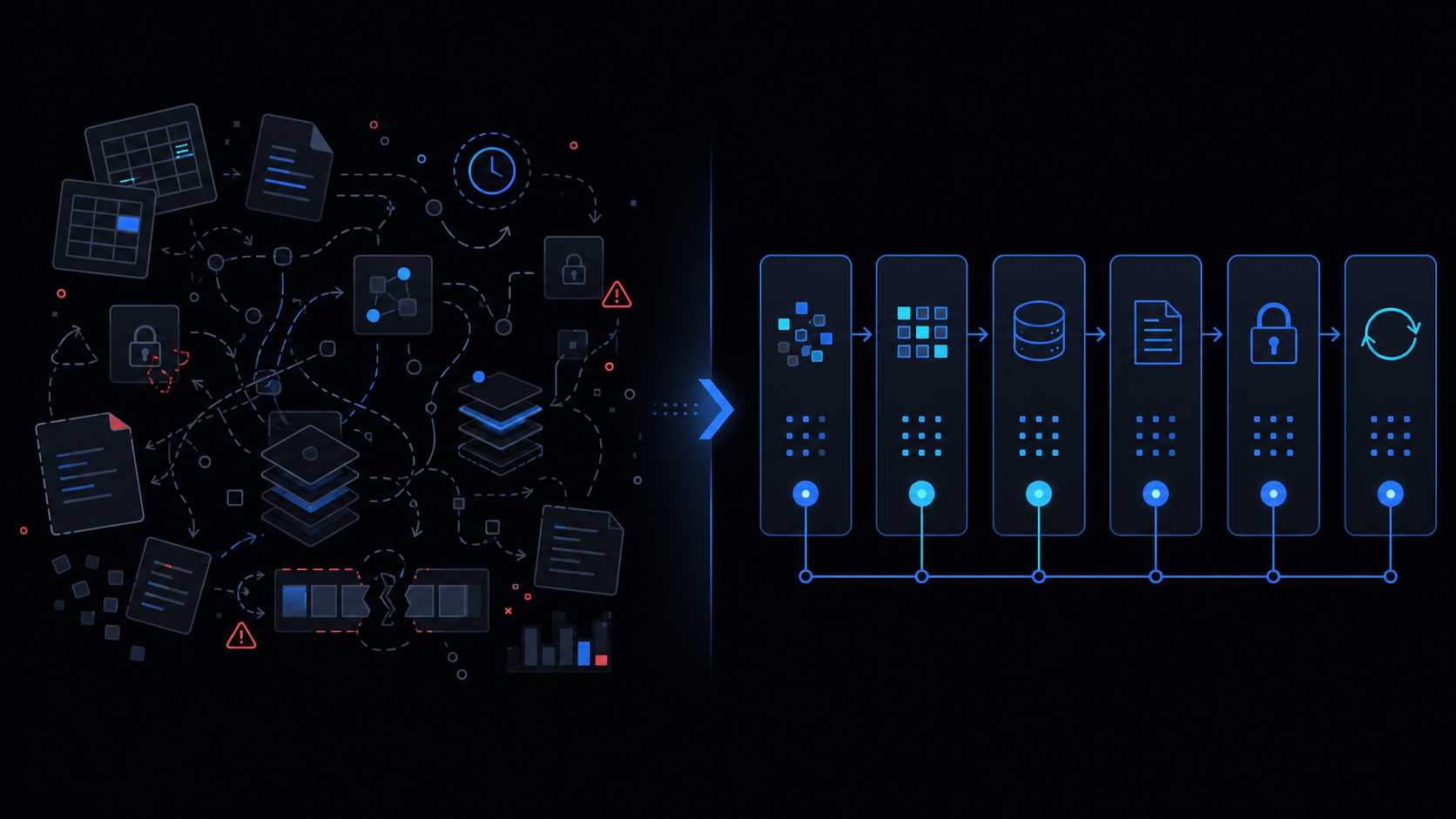
Conclusion first: Once Apps Script projects exceed 15, owner turnover, duplicate triggers and missing manifest scopes cause immediate execution failures. A single registry sheet must become the source of truth for names, owners, triggers, scopes and deployment mappings.
1. Six Destruction Points Created by Project Sprawl
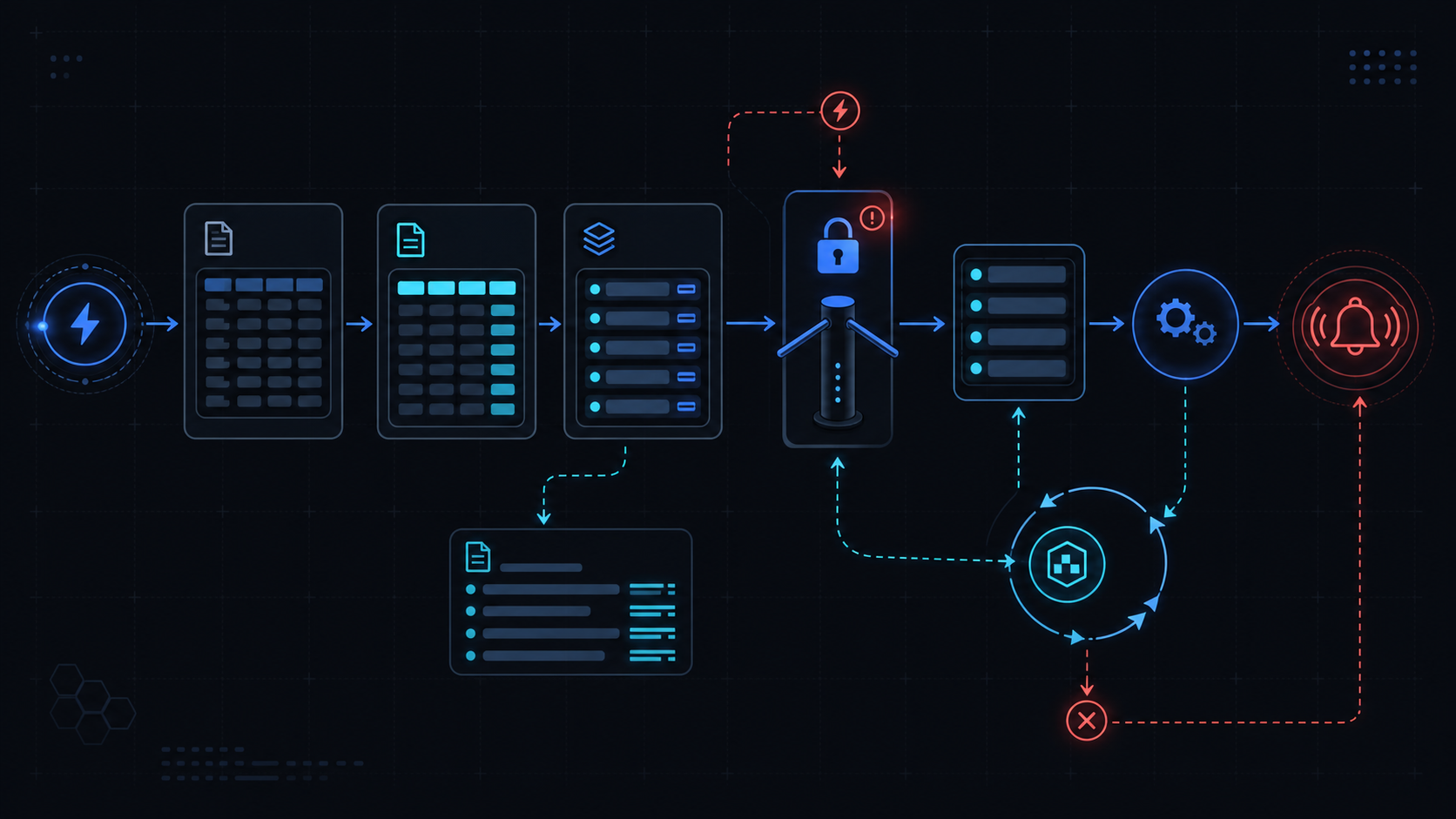 Duplicate names, owner departure, trigger collisions, omitted scopes, version drift and absent documentation occur simultaneously.
2. Registry Schema (Single Source of Truth)
{
  "projectId": "1abc2def3ghi",
  "name": "invoice-sync-v2",
  "owner": "[email protected]",
  "triggers": [{"type":"time","function":"runSync","everyMinutes":5}],
  "scopes": ["https://www.googleapis.com/auth/spreadsheets"],
  "currentVersion": 12,
  "deployments": [{"version":12,"url":"https://script.google.com/..."}],
  "folderPath": "finance/invoice",
  "lastAudit": "2024-10-01"
}
3. Naming & Ownership Rules
Project ID is the permanent key; display name is functional + environment only. Owner must be a group or dedicated service account.
4. Trigger Inventory Checklist
| Item | Verification | Failure Impact |
|---|---|---|
| triggerId | ScriptApp.getProjectTriggers() | duplicate runs / infinite loop |
| ownerEmail | registry lookup | stops after departure |
| functionName | manifest entry | 404 errors |
5. Manifest Scopes & Version Mapping
Keep oauthScopes in manifest.json synchronized 1:1 with the registry and enforce a version bump on every deployment.
6. Clasp Folder Structure and Operational Failure Modes
Failing to align clasp.json rootDir with the registry folderPath causes deployment URLs to change on every push. Omitting .claspignore leaks sensitive files.
7. When NOT to Use This Approach
Skip the registry overhead for five or fewer projects or when every script is bound to a single document. Introduce it only beyond that threshold.
Final review criteria
The useful question is not how many features the automation has. It is whether the workflow can be understood, recovered, and safely rerun after something goes wrong.
- Raw input is separated from the human-facing working view.
- Each run records success, failure, processed count, and error message.
- Replaying the same input does not create duplicate results.
- Permission changes, quota errors, and external API failures are visible later.
For low-risk internal tasks, that may be enough. For customer replies, booking confirmation, inventory updates, payments, or legal records, the threshold is higher: compare Apps Script against a dedicated SaaS or a small server-backed system before relying on it.
Frequently asked questions
- What fails first when you exceed 30 Apps Script projects?
- Triggers stop after owner departure and missing manifest scopes cause runtime errors. Centralize owner and trigger IDs in a registry sheet.
- Recommended folder structure when using clasp across many projects?
- Use project ID as registry key, align clasp.json rootDir, and place manifest.json plus .claspignore in each folder to track deployment versions.
- How to recover scattered versions and deployment URLs?
- Call Apps Script API project.listDeployments to inventory versionNumber and entryPoint, then record aliases in the registry following stable-deploy-url rules.